QUESTION IMAGE
Question
describing the accessibility checker of word
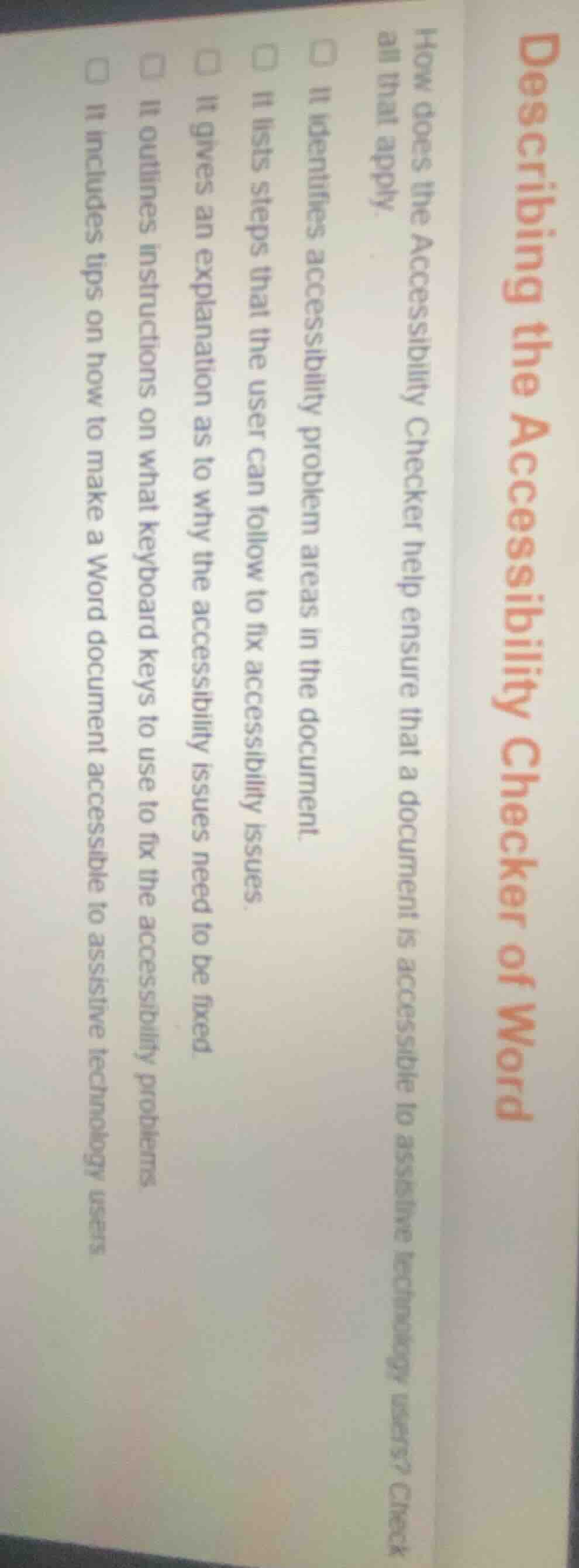
how does the accessibility checker help ensure that a document is accessible to assistive technology users? check all that apply.
□ it identifies accessibility problem areas in the document.
□ it lists steps that the user can follow to fix accessibility issues.
□ it gives an explanation as to why the accessibility issues need to be fixed.
□ it outlines instructions on what keyboard keys to use to fix the accessibility problems
□ it includes tips on how to make a word document accessible to assistive technology users
Microsoft Word's Accessibility Checker is a tool designed to support document accessibility for assistive technology users. It first locates accessibility gaps in the document. Then, it provides actionable steps to resolve these issues, explains the importance of fixing each issue for accessibility, and offers guidance on making the document usable with assistive tools. It does not focus on keyboard key instructions for fixes.

Snap & solve any problem in the app
Get step-by-step solutions on Sovi AI
Photo-based solutions with guided steps
Explore more problems and detailed explanations
- It identifies accessibility problem areas in the document.
- It lists steps that the user can follow to fix accessibility issues.
- It gives an explanation as to why the accessibility issues need to be fixed.
- It includes tips on how to make a Word document accessible to assistive technology users.