QUESTION IMAGE
Question
describing how to access options
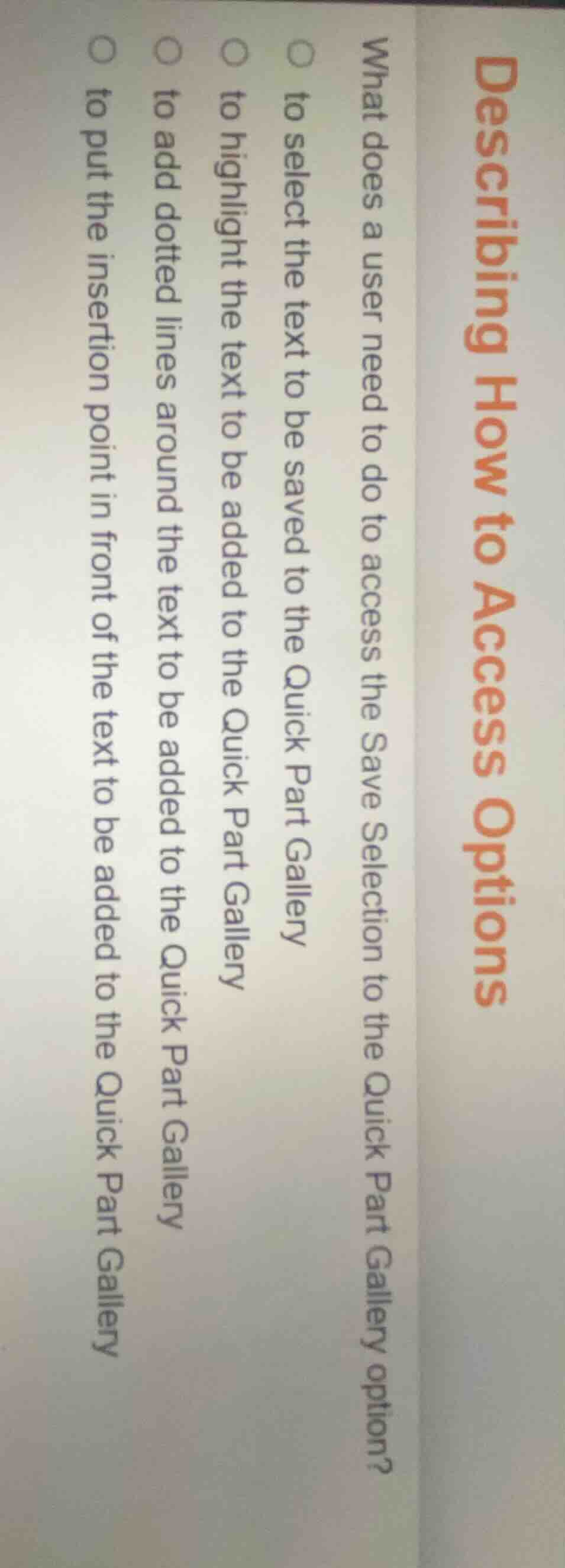
what does a user need to do to access the save selection to the quick part gallery option?
○ to select the text to be saved to the quick part gallery
○ to highlight the text to be added to the quick part gallery
○ to add dotted lines around the text to be added to the quick part gallery
○ to put the insertion point in front of the text to be added to the quick part gallery
To save text to the Quick Part Gallery, the first required step is selecting the target text, which unlocks the Save Selection to Quick Part Gallery option. The other options do not enable access to this specific save feature.

Snap & solve any problem in the app
Get step-by-step solutions on Sovi AI
Photo-based solutions with guided steps
Explore more problems and detailed explanations
to select the text to be saved to the Quick Part Gallery