QUESTION IMAGE
Question
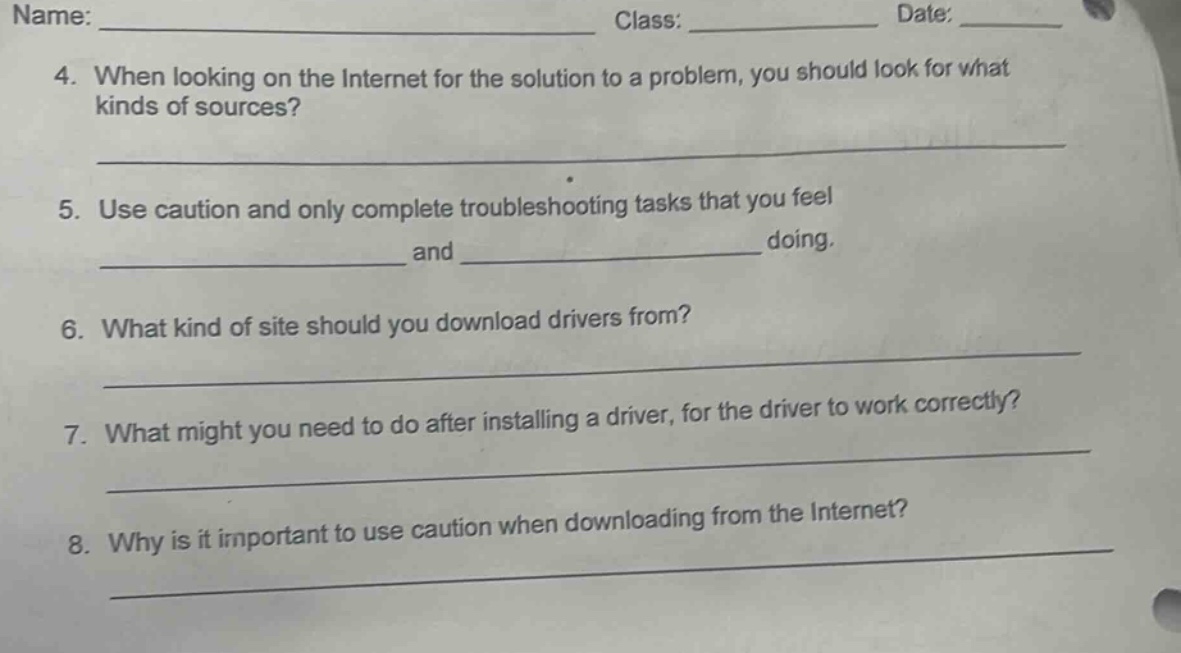
name: _____________________________ class: _________ date: ____
- when looking on the internet for the solution to a problem, you should look for what kinds of sources?
_____________________________________________________
- use caution and only complete troubleshooting tasks that you feel
__________________ and __________________ doing.
- what kind of site should you download drivers from?
_____________________________________________________
- what might you need to do after installing a driver, for the driver to work correctly?
_____________________________________________________
- why is it important to use caution when downloading from the internet?
_____________________________________________________
Question 4
When seeking solutions online, reliable sources like official websites (e.g., of software/hardware vendors), reputable educational institutions (e.g., university sites), established tech forums (e.g., Stack Exchange), and peer - reviewed articles (for technical problems) are ideal. These sources are more likely to provide accurate and safe information.
In troubleshooting, one should only do tasks that they feel confident and comfortable doing. This is to ensure that the troubleshooting is done correctly and safely, without causing further problems.
Drivers should be downloaded from the official website of the device manufacturer (e.g., the official site of the graphics card, motherboard, or printer manufacturer) or from trusted and official software repositories (like Microsoft's official driver download section for Windows). These sites are more likely to provide legitimate and virus - free drivers.

Snap & solve any problem in the app
Get step-by-step solutions on Sovi AI
Photo-based solutions with guided steps
Explore more problems and detailed explanations
Reliable sources such as official websites of relevant companies, reputable educational or technical forums, and peer - reviewed academic or technical articles.