QUESTION IMAGE
Question
task instructions
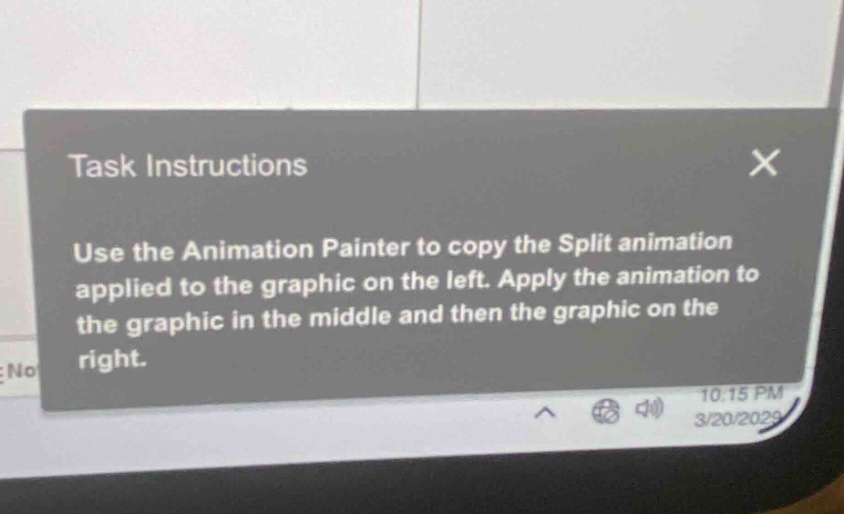
use the animation painter to copy the split animation applied to the graphic on the left. apply the animation to the graphic in the middle and then the graphic on the right.
The task is about using Animation Painter in a software (likely PowerPoint) to copy the "Split" animation from the left graphic to the middle and right graphics. First, select the left graphic with the Split animation. Then, go to the "Animations" tab, find the "Animation Painter" button (looks like a paintbrush with motion lines), click it. Next, select the middle graphic to apply the animation, and then select the right graphic to apply it too.

Snap & solve any problem in the app
Get step-by-step solutions on Sovi AI
Photo-based solutions with guided steps
Explore more problems and detailed explanations
- Select the left graphic with the Split animation.
- Click the "Animation Painter" button (in the "Animations" tab).
- Select the middle graphic to apply the Split animation.
- Select the right graphic to apply the Split animation.