QUESTION IMAGE
Question
- what else should i know about inquizitive?
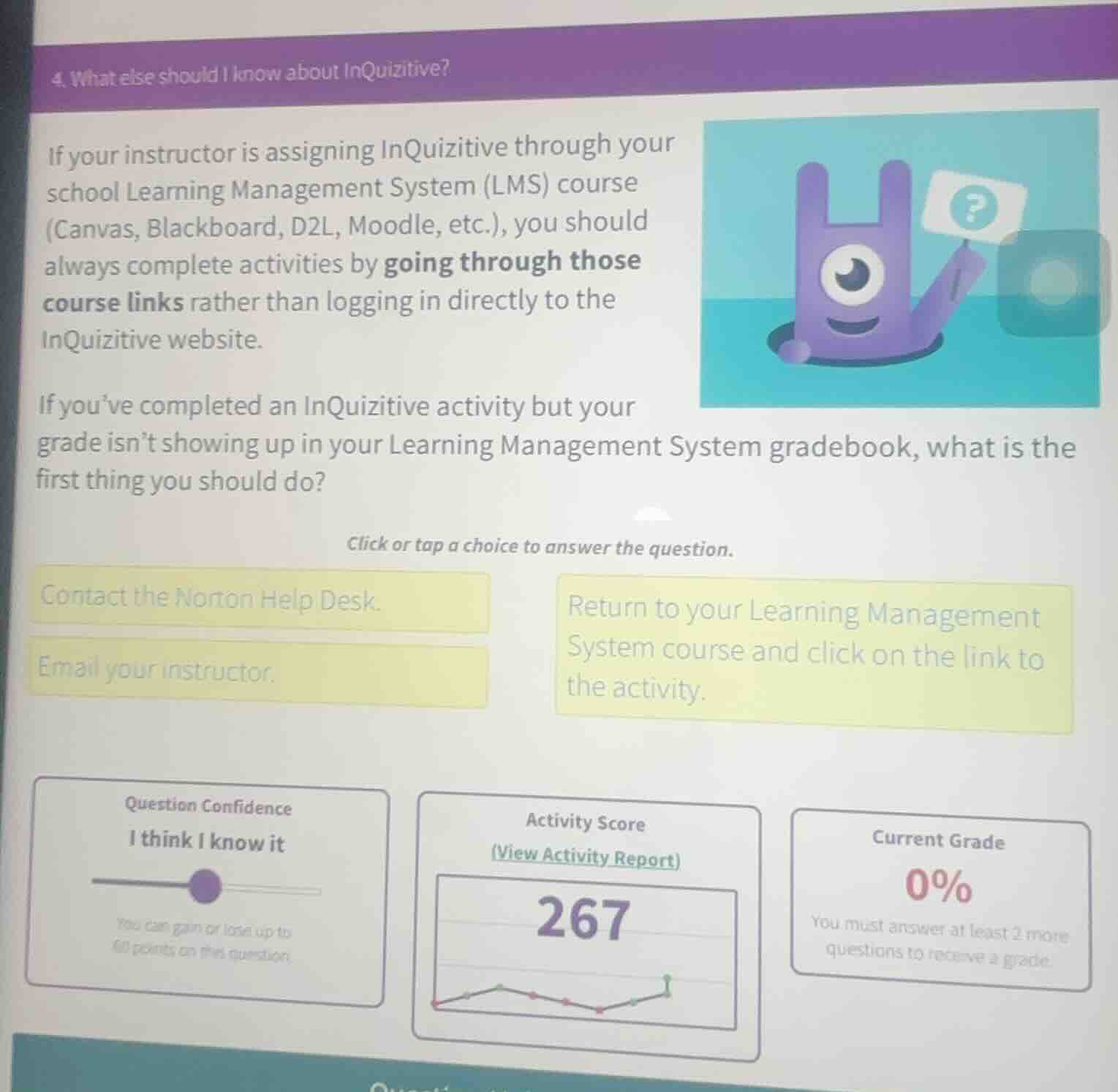
if your instructor is assigning inquizitive through your school learning management system (lms) course (canvas, blackboard, d2l, moodle, etc.), you should always complete activities by going through those course links rather than logging in directly to the inquizitive website.
if you’ve completed an inquizitive activity but your grade isn’t showing up in your learning management system gradebook, what is the first thing you should do?
click or tap a choice to answer the question.
contact the norton help desk.
email your instructor.
return to your learning management system course and click on the link to the activity.
question confidence
i think i know it
you can gain or lose up to 60 points on this question.
activity score
(view activity report)
267
current grade
0%
you must answer at least 2 more questions to receive a grade.
The instructions note that InQuizitive activities should be completed via the school's Learning Management System (LMS) links. If grades don't sync, the first step is to re-access the activity through the LMS course link, as this is the primary specified method for connecting the activity to the LMS gradebook. Contacting help or the instructor would be subsequent steps if this initial action doesn't resolve the issue.

Snap & solve any problem in the app
Get step-by-step solutions on Sovi AI
Photo-based solutions with guided steps
Explore more problems and detailed explanations
Return to your Learning Management System course and click on the link to the activity.