QUESTION IMAGE
Question
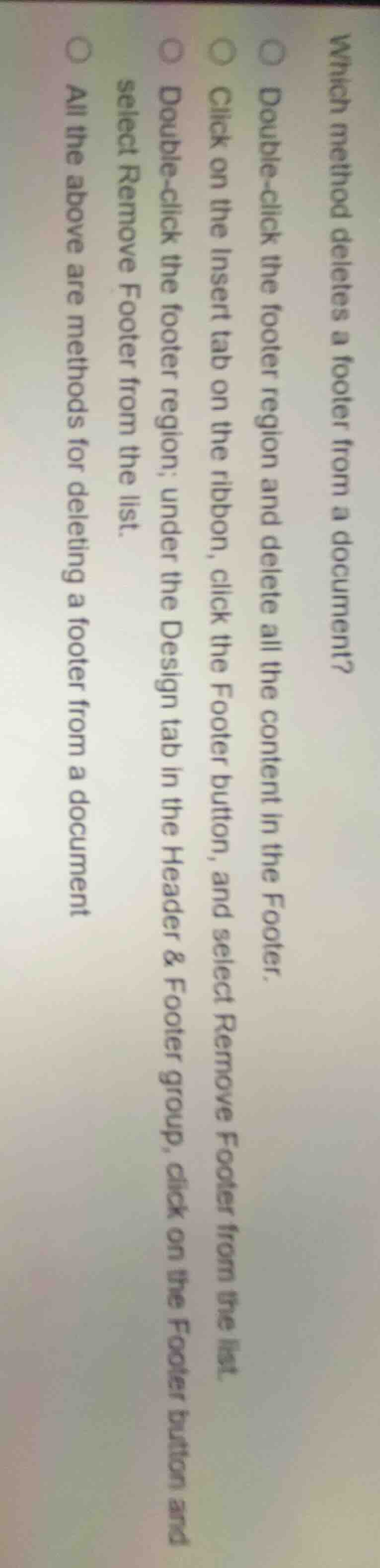
which method deletes a footer from a document?○ double-click the footer region and delete all the content in the footer.○ click on the insert tab on the ribbon, click the footer button, and select remove footer from the list.○ double-click the footer region; under the design tab in the header & footer group, click on the footer button and select remove footer from the list.○ all the above are methods for deleting a footer from a document
All the listed options describe valid methods to delete a footer from a word processing document. Clearing footer content via double-click, using the Insert tab's Footer menu to remove it, and using the Design tab in the Header & Footer group to remove the footer are all functional approaches.

Snap & solve any problem in the app
Get step-by-step solutions on Sovi AI
Photo-based solutions with guided steps
Explore more problems and detailed explanations
All the above are methods for deleting a footer from a document