QUESTION IMAGE
Question
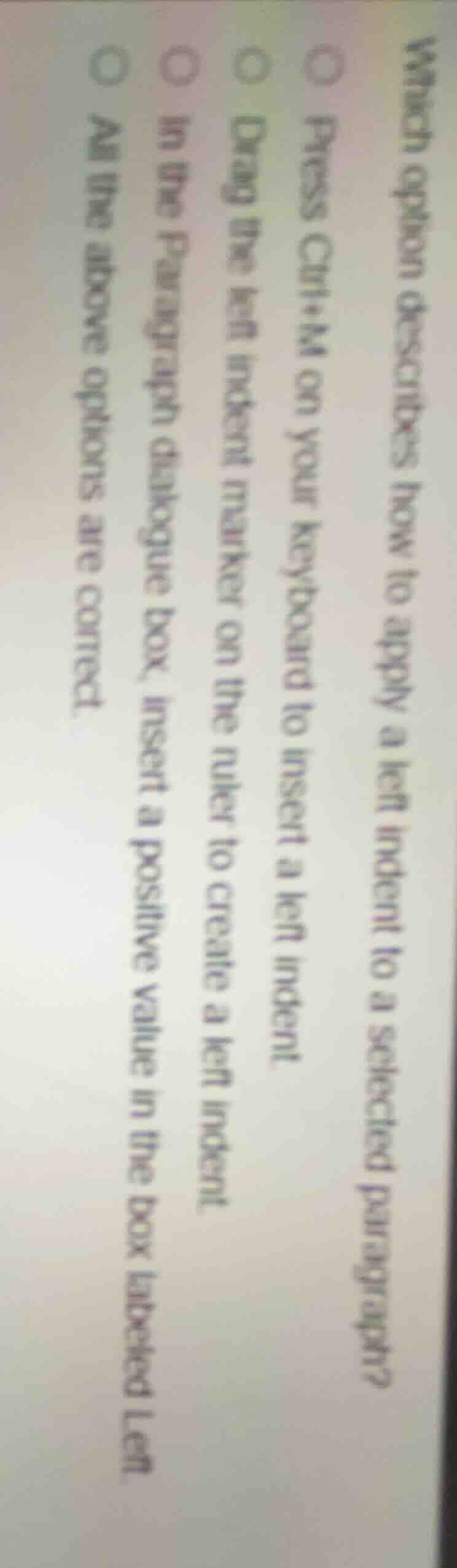
which option describes how to apply a left indent to a selected paragraph?○ press ctrl+m on your keyboard to insert a left indent.○ drag the left indent marker on the ruler to create a left indent.○ in the paragraph dialogue box, insert a positive value in the box labeled left.○ all the above options are correct.
Brief Explanations
- Ctrl+M is a standard keyboard shortcut in word processors (like Microsoft Word) to apply a left indent to selected text.
- Dragging the left indent marker on the ruler is a direct visual way to set a left indent for a paragraph.
- The Paragraph dialogue box allows manual input of a positive left indent value to adjust the paragraph's indentation.
All three methods are valid ways to apply a left indent to a selected paragraph.

Snap & solve any problem in the app
Get step-by-step solutions on Sovi AI
Photo-based solutions with guided steps
Explore more problems and detailed explanations
D. All the above options are correct.