QUESTION IMAGE
Question
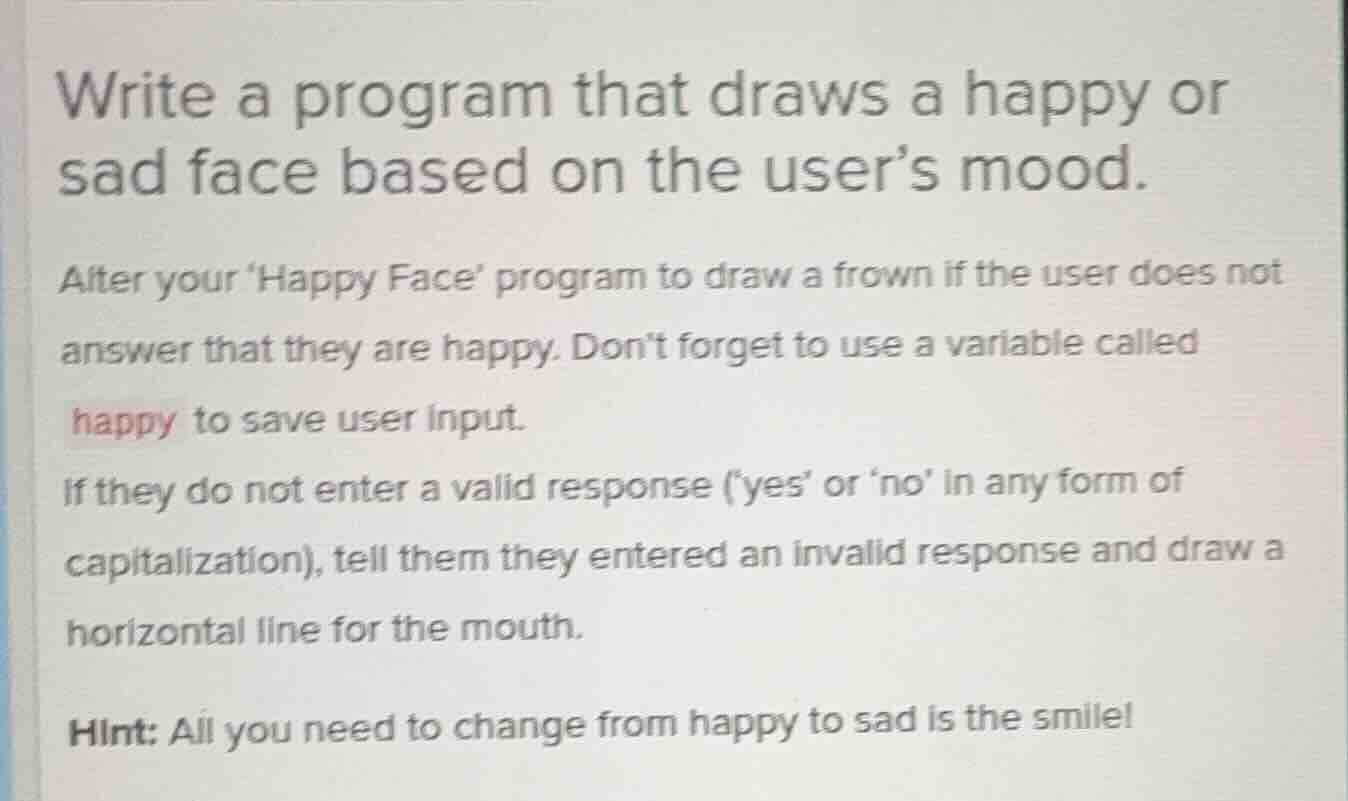
write a program that draws a happy or sad face based on the user’s mood. after your happy face program to draw a frown if the user does not answer that they are happy. dont forget to use a variable called happy to save user input. if they do not enter a valid response (yes or no in any form of capitalization), tell them they entered an invalid response and draw a horizontal line for the mouth. hint: all you need to change from happy to sad is the smile!
To solve this problem, we'll create a Python program using the turtle library to draw a face (happy, sad, or neutral) based on the user's input. The program will:
- Prompt the user for their mood.
- Validate the input (checking for variations of "yes" or "no").
- Draw the appropriate face (happy, sad, or neutral with a horizontal mouth for invalid input).
Step 1: Import the turtle library
We'll use the turtle library to draw the face.
import turtleStep 2: Define a function to draw the face outline (circle)
This function will draw the circular part of the face.
def draw_face():
    turtle.penup()
    turtle.goto(0, -100)  # Move to the starting position for the circle
    turtle.pendown()
    turtle.circle(100)  # Draw the face (a circle with radius 100)
Step 3: Define a function to draw the eyes
This function will draw two eyes (small circles) on the face.
def draw_eyes():
    # Draw left eye
    turtle.penup()
    turtle.goto(-30, 20)
    turtle.pendown()
    turtle.circle(10)
    # Draw right eye
    turtle.penup()
    turtle.goto(30, 20)
    turtle.pendown()
    turtle.circle(10)
Step 4: Define a function to draw a happy mouth (smile)
This function will draw a curved smile.
def draw_happy_mouth():
    turtle.penup()
    turtle.goto(-50, -20)
    turtle.pendown()
    turtle.setheading(-60)  # Set the direction for the smile
    for _ in range(120):  # Draw a curve for the smile
        turtle.forward(1)
        turtle.right(1)
Step 5: Define a function to draw a sad mouth (frown)
This function will draw a curved frown.
def draw_sad_mouth():
    turtle.penup()
    turtle.goto(-50, -40)
    turtle.pendown()
    turtle.setheading(60)  # Set the direction for the frown
    for _ in range(120):  # Draw a curve for the frown
        turtle.forward(1)
        turtle.left(1)
Step 6: Define a function to draw a neutral mouth (horizontal line)
This function will draw a horizontal line for the mouth (used for invalid input).
def draw_neutral_mouth():
    turtle.penup()
    turtle.goto(-50, -30)
    turtle.pendown()
    turtle.forward(100)  # Draw a horizontal line for the mouth
Step 7: Get user input and draw the appropriate face
We'll prompt the user for their mood, validate the input, and then draw the corresponding face.
# Get user input
happy = input("Are you happy? (yes/no): ").strip().lower()

# Draw the face outline and eyes
draw_face()
draw_eyes()

# Determine which mouth to draw based on user input
if happy == "yes":
    draw_happy_mouth()
elif happy == "no":
    draw_sad_mouth()
else:
    print("You entered an invalid response. Drawing a neutral mouth.")
    draw_neutral_mouth()

# Keep the window open until clicked
turtle.done()
Complete Program
Putting it all together, the complete program is:
import turtle

def draw_face():
    turtle.penup()
    turtle.goto(0, -100)
    turtle.pendown()
    turtle.circle(100)

def draw_eyes():
    turtle.penup()
    turtle.goto(-30, 20)
    turtle.pendown()
    turtle.circle(10)
    turtle.penup()
    turtle.goto(30, 20)
    turtle.pendown()
    turtle.circle(10)

def draw_happy_mouth():
    turtle.penup()
    turtle.goto(-50, -20)
    turtle.pendown()
    turtle.setheading(-60)
    for _ in range(120):
        turtle.forward(1)
        turtle.right(1)

def draw_sad_mouth():
    turtle.penup()
    turtle.goto(-50, -40)
    turtle.pendown()
    turtle.setheading(60)
    for _ in range(120):
        turtle.forward(1)
        turtle.left(1)

d…
of the Program Flow
- Importing the Library: The
turtlelibrary is imported to enable drawing. - Drawing Functions:
draw_face(): Draws the circular outline of the face.draw_eyes(): Draws two small circles for the eyes.draw_happy_mouth(),draw_sad_mouth(),draw_neutral_mouth(): These functions draw the appropriate mouth based on the user's input.
- User Input and Validation: The program prompts the user for their mood, converts the input to lowercase, and strips any leading/trailing whitespace.
- Drawing the Face: The face outline and eyes are drawn first. Then, based on the user's input, the appropriate mouth is drawn (happy, sad, or neutral).
- Closing the Window: The
turtle.done()call keeps the drawing window open until the user clicks on it.
When you run this program, it will:
- Prompt you for your mood.
- Draw a happy face if you enter "yes" (or any variation like "Yes", "YES", etc.).
- Draw a sad face if you enter "no" (or any variation like "No", "NO", etc.).
- Draw a face with a horizontal mouth if you enter an invalid response (not a variation of "yes" or "no").

Snap & solve any problem in the app
Get step-by-step solutions on Sovi AI
Photo-based solutions with guided steps
Explore more problems and detailed explanations
of the Program Flow
- Importing the Library: The
turtlelibrary is imported to enable drawing. - Drawing Functions:
draw_face(): Draws the circular outline of the face.draw_eyes(): Draws two small circles for the eyes.draw_happy_mouth(),draw_sad_mouth(),draw_neutral_mouth(): These functions draw the appropriate mouth based on the user's input.
- User Input and Validation: The program prompts the user for their mood, converts the input to lowercase, and strips any leading/trailing whitespace.
- Drawing the Face: The face outline and eyes are drawn first. Then, based on the user's input, the appropriate mouth is drawn (happy, sad, or neutral).
- Closing the Window: The
turtle.done()call keeps the drawing window open until the user clicks on it.
When you run this program, it will:
- Prompt you for your mood.
- Draw a happy face if you enter "yes" (or any variation like "Yes", "YES", etc.).
- Draw a sad face if you enter "no" (or any variation like "No", "NO", etc.).
- Draw a face with a horizontal mouth if you enter an invalid response (not a variation of "yes" or "no").