QUESTION IMAGE
Question
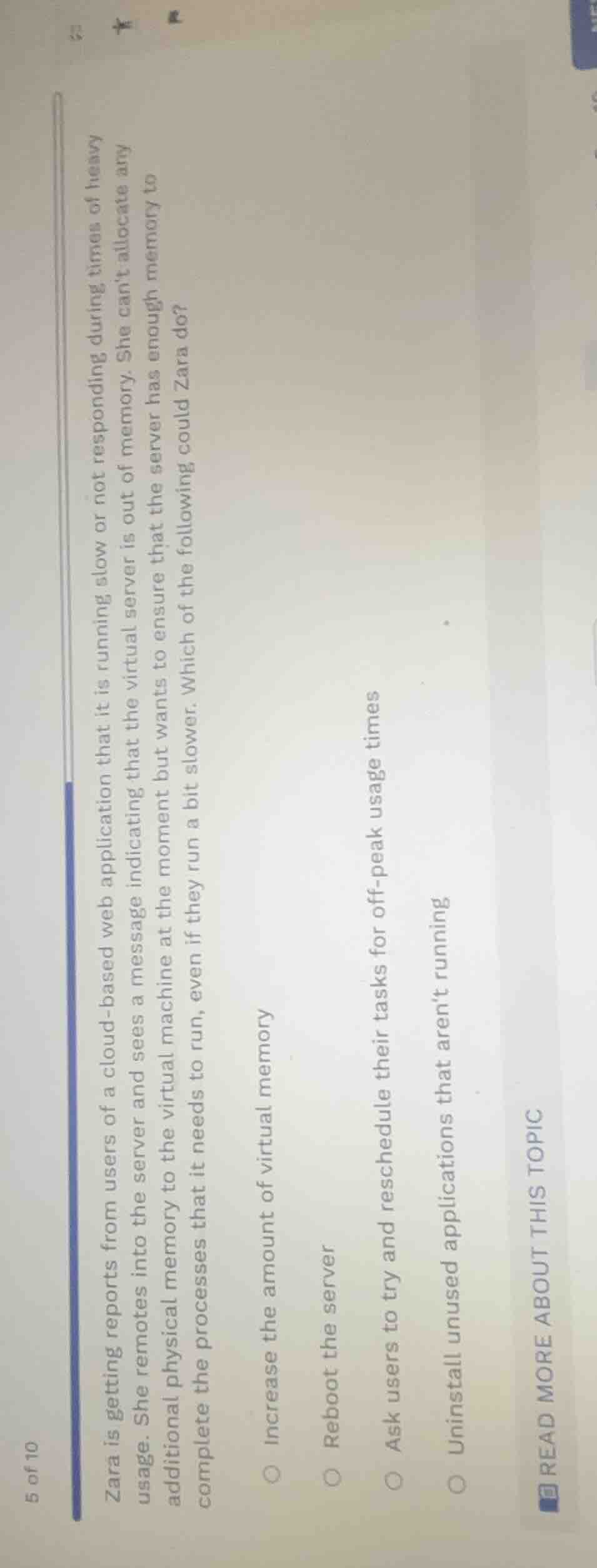
zara is getting reports from users of a cloud - based web application that it is running slow or not responding during times of heavy usage. she remotes into the server and sees a message indicating that the virtual server is out of memory. she cant allocate any additional physical memory to the virtual machine at the moment but wants to ensure that the server has enough memory to complete the processes that it needs to run, even if they run a bit slower. which of the following could zara do?
- increase the amount of virtual memory
- reboot the server
- ask users to try and reschedule their tasks for off - peak usage times
- uninstall unused applications that arent running
The problem is about managing a virtual server's memory for a cloud - based web application. Let's analyze each option:
- Option "Increase the amount of virtual memory": Virtual memory is a software - based concept, and if the physical server has no more memory to allocate, increasing virtual memory won't solve the underlying physical memory constraint. Also, using too much virtual memory can lead to excessive disk swapping and even slower performance.
- Option "Reboot the server": Rebooting the server is a rather extreme measure and doesn't address the root cause of the memory issue. It will also cause downtime for the application, which is not ideal during heavy usage or even otherwise if we can avoid it.
- Option "Ask users to try and reschedule their tasks for off - peak usage times": Since the application is slow during heavy usage and the server is out of memory, asking users to run their tasks during off - peak times (when the server is likely to have more available resources) is a practical solution. This way, the processes can run with less contention for memory, even if they are a bit slower, and the application's performance during peak times can be maintained.
- Option "Uninstall unused applications that aren't running": Uninstalling unused applications that aren't running won't free up memory that is currently being used by the running web application. The issue is with the memory available for the running application during heavy usage, and unused, non - running applications don't consume the memory that the web application needs.

Snap & solve any problem in the app
Get step-by-step solutions on Sovi AI
Photo-based solutions with guided steps
Explore more problems and detailed explanations
C. Ask users to try and reschedule their tasks for off - peak usage times