QUESTION IMAGE
Question
describe how to insert fields
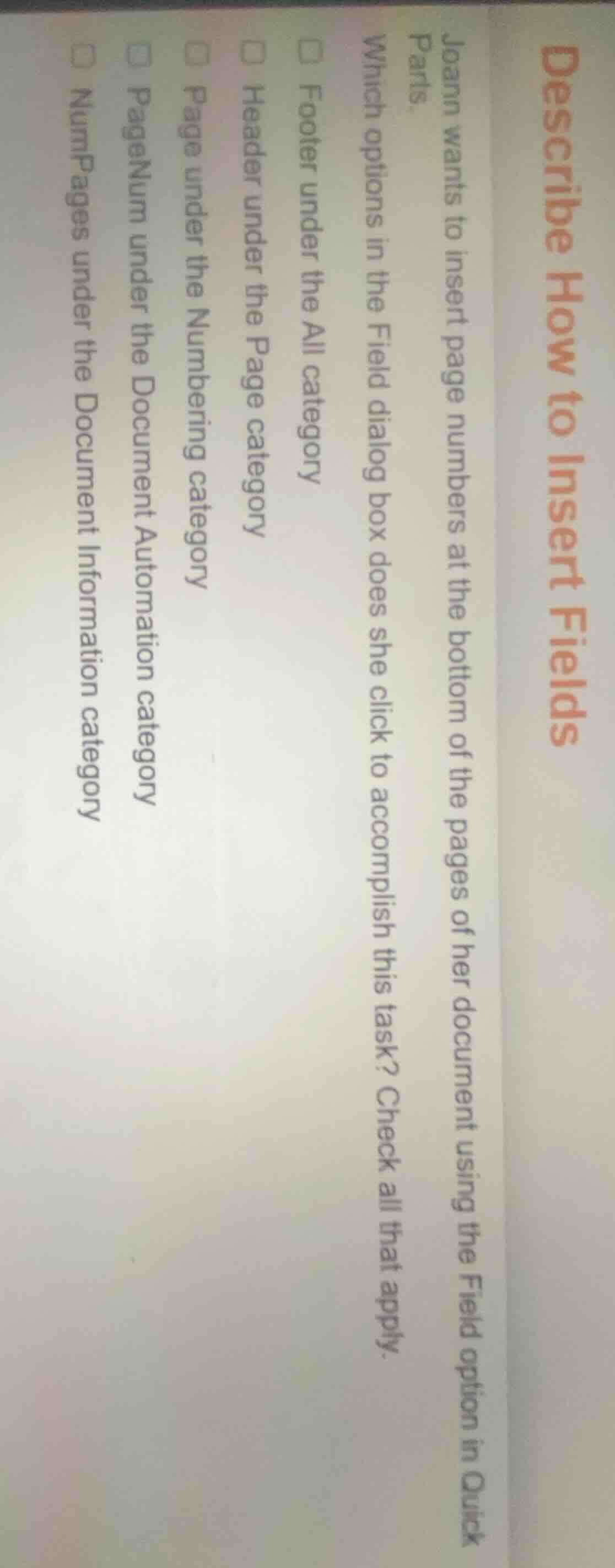
joann wants to insert page numbers at the bottom of the pages of her document using the field option in quick parts.
which options in the field dialog box does she click to accomplish this task? check all that apply.
□ footer under the all category
□ header under the page category
□ page under the numbering category
□ pagenum under the document automation category
□ numpages under the document information category
To insert page numbers at the bottom of pages via the Field dialog:
- Footer is the bottom section of a page, so the Footer option under All category is valid.
- Page numbering options for the bottom of pages are also found under the Numbering category's Page option.
- PageNum (page number field) under Document Automation category inserts the page number, which can be placed in the footer.
- Header refers to the top of the page, so it is not relevant for bottom placement. NumPages counts total pages, not the current page number needed for pagination.

Snap & solve any problem in the app
Get step-by-step solutions on Sovi AI
Photo-based solutions with guided steps
Explore more problems and detailed explanations
☑ Footer under the All category
☑ Page under the Numbering category
☑ PageNum under the Document Automation category