QUESTION IMAGE
Question
explaining how to change the page presentation
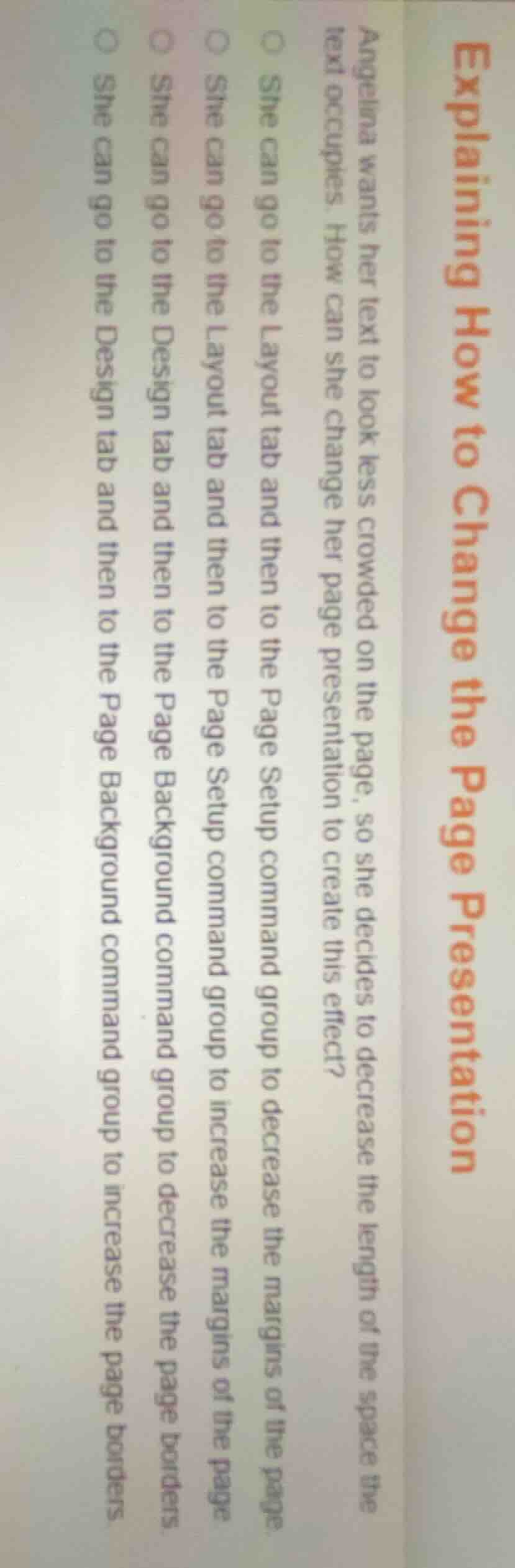
angelina wants her text to look less crowded on the page, so she decides to decrease the length of the space the text occupies. how can she change her page presentation to create this effect?
○ she can go to the layout tab and then to the page setup command group to decrease the margins of the page
○ she can go to the layout tab and then to the page setup command group to increase the margins of the page
○ she can go to the design tab and then to the page background command group to decrease the page borders
○ she can go to the design tab and then to the page background command group to increase the page borders
To make text less crowded, increasing page margins reduces the space available for text, which spreads out the content by making the text area narrower, thus decreasing how crowded the text appears. Page borders do not affect text crowding, and decreasing margins would make the text area larger, increasing crowding.

Snap & solve any problem in the app
Get step-by-step solutions on Sovi AI
Photo-based solutions with guided steps
Explore more problems and detailed explanations
She can go to the Layout tab and then to the Page Setup command group to increase the margins of the page