QUESTION IMAGE
Question
identifying actions to accomplish tasks
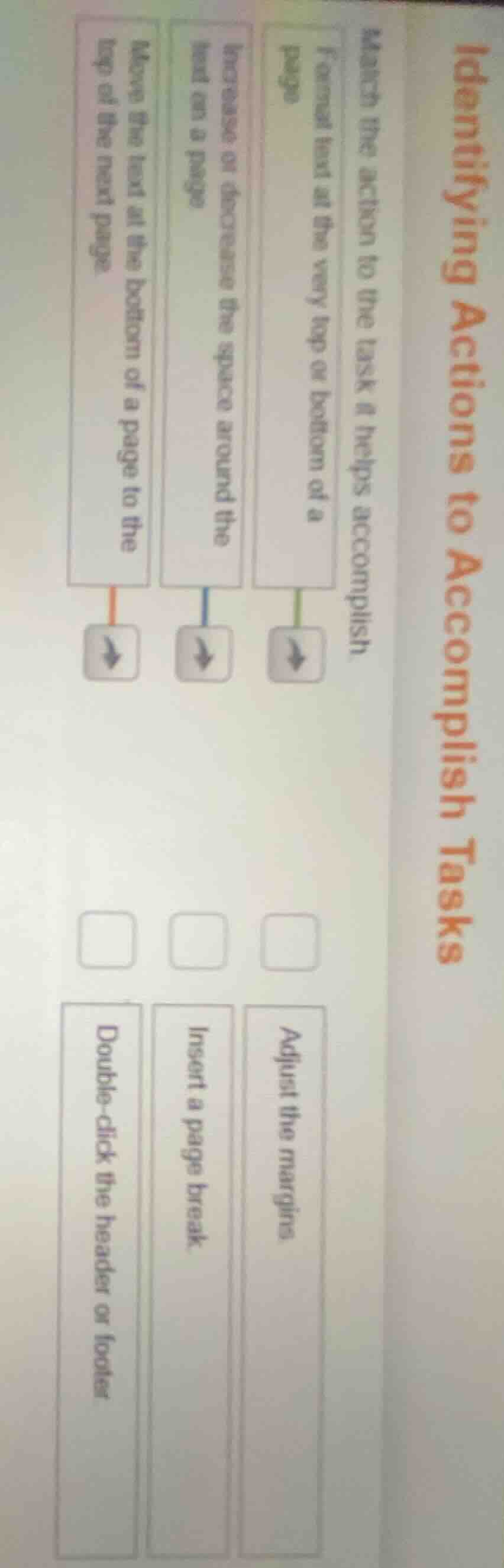
match the action to the task it helps accomplish.
format text at the very top or bottom of a page
increase or decrease the space around the text on a page
move the text at the bottom of a page to the top of the next page
adjust the margins
insert a page break
double-click the header or footer
Brief Explanations
- Formatting text at the top/bottom of a page requires accessing the header or footer area, which is done by double-clicking it.
- Adjusting margins controls the amount of empty space around text on a page.
- Inserting a page break forces text from the bottom of one page to move to the top of the next page.

Snap & solve any problem in the app
Get step-by-step solutions on Sovi AI
Photo-based solutions with guided steps
Explore more problems and detailed explanations
- Format text at the very top or bottom of a page → Double-click the header or footer
- Increase or decrease the space around the text on a page → Adjust the margins
- Move the text at the bottom of a page to the top of the next page → Insert a page break