QUESTION IMAGE
Question
name: _____________ date __ block ____
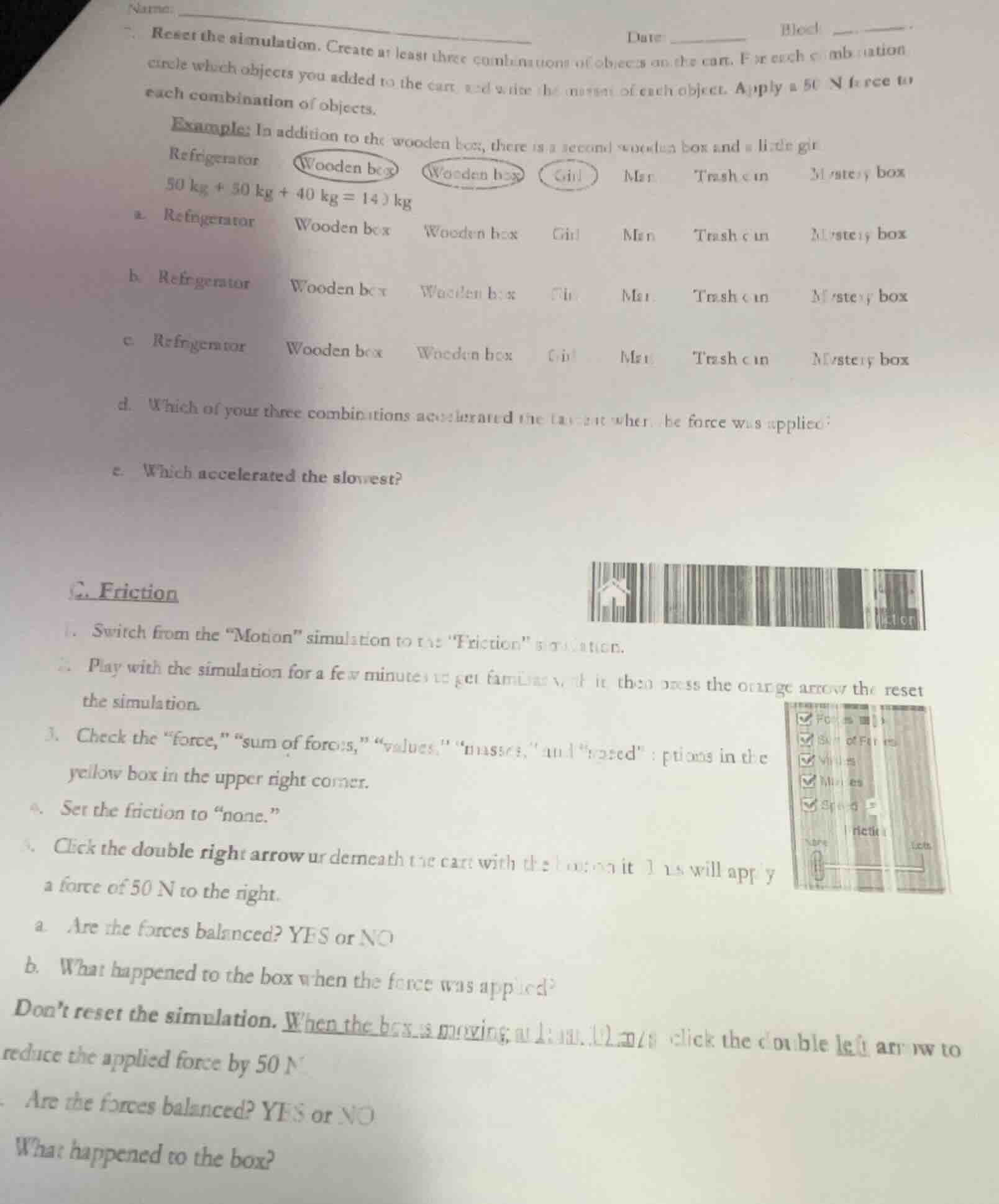
- reset the simulation. create at least three combinations of objects on the cart. for each combination circle which objects you added to the cart and write the mass of each object. apply a 50 n force to each combination of objects.
example: in addition to the wooden box, there is a second wooden box and a little girl.
refrigerator (wooden box) (wooden box) (girl) man trash can mystery box
50 kg + 50 kg + 40 kg = 140 kg
a. refrigerator wooden box wooden box girl man trash can mystery box
b. refrigerator wooden box wooden box girl man trash can mystery box
c. refrigerator wooden box wooden box girl man trash can mystery box
d. which of your three combinations accelerated the fastest when the force was applied?
e. which accelerated the slowest?
c. friction
- switch from the “motion” simulation to the “friction” simulation.
- play with the simulation for a few minutes to get familiar with it, then press the orange arrow to reset the simulation.
- check the “force,” “sum of forces,” “values,” “masses,” and “speed” options in the yellow box in the upper right corner.
- set the friction to “none.”
- click the double right arrow underneath the cart with the box on it. this will apply a force of 50 n to the right.
a. are the forces balanced? yes or no
b. what happened to the box when the force was applied?
don’t reset the simulation. when the box is moving, without stopping, click the double left arrow to reduce the applied force by 50 n.
- are the forces balanced? yes or no
- what happened to the box?

Snap & solve any problem in the app
Get step-by-step solutions on Sovi AI
Photo-based solutions with guided steps
Explore more problems and detailed explanations
a. NO
b. The box accelerated (moved with increasing speed) to the right
c. YES
d. The box continued moving at a constant speed to the right