QUESTION IMAGE
Question
6.5.7: network troubleshooting
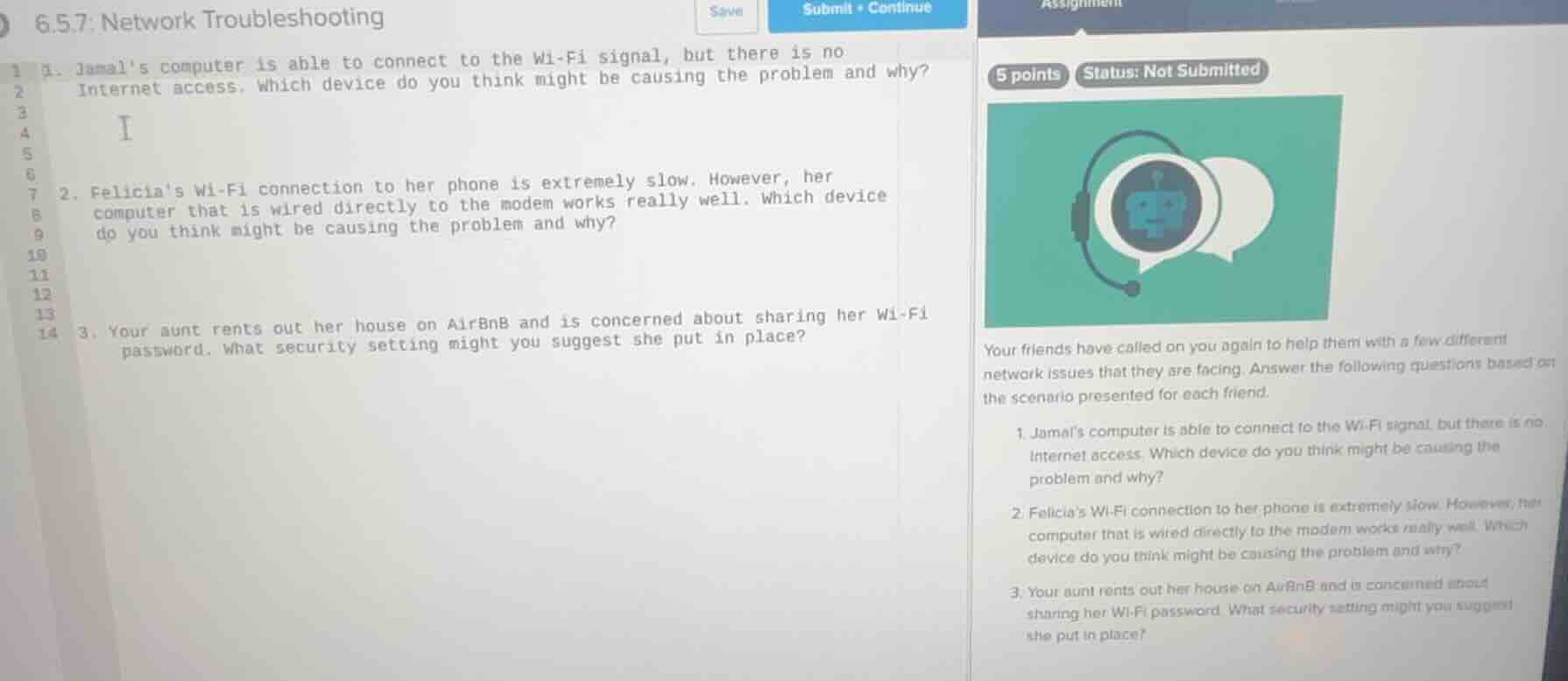
- jamal’s computer is able to connect to the wi - fi signal, but there is no internet access. which device do you think might be causing the problem and why?
- felicia’s wi - fi connection to her phone is extremely slow. however, her computer that is wired directly to the modem works really well. which device do you think might be causing the problem and why?
- your aunt rents out her house on airbnb and is concerned about sharing her wi - fi password. what security setting might you suggest she put in place?
your friends have called on you again to help them with a few different network issues that they are facing. answer the following questions based on the scenario presented for each friend.
- jamal’s computer is able to connect to the wi - fi signal, but there is no internet access. which device do you think might be causing the problem and why?
- felicia’s wi - fi connection to her phone is extremely slow. however, her computer that is wired directly to the modem works really well. which device do you think might be causing the problem and why?
- your aunt rents out her house on airbnb and is concerned about sharing her wi - fi password. what security setting might you suggest she put in place?
Sub - Question 1
The modem or router could be the issue. If the modem (connects to ISP) or router (distributes Wi - Fi) has a problem with the WAN (Internet) connection, the device can connect to Wi - Fi (local network) but not access the Internet. For example, the modem might not be synced with the ISP, or the router's WAN port/settings are wrong.
The router is likely the problem. The wired computer (connected to modem) works, so the modem and Internet are fine. The slow Wi - Fi on the phone means the router (which provides Wi - Fi) has issues like overloaded Wi - Fi, old Wi - Fi standards, or interference. The wired connection bypasses the router's Wi - Fi part, so it works.
Suggest a guest network. A guest network is a separate Wi - Fi network on the router. It allows guests (AirBnB renters) to connect to Wi - Fi without sharing the main network's password. It can also have restrictions (e.g., no access to local devices) for security.

Snap & solve any problem in the app
Get step-by-step solutions on Sovi AI
Photo-based solutions with guided steps
Explore more problems and detailed explanations
The modem or router could be causing the problem. The computer connects to Wi - Fi (local network) but no Internet means the device (modem/router) connecting to the ISP (Internet) has an issue (e.g., modem not synced, router WAN settings wrong).