QUESTION IMAGE
Question
question 12 of 30
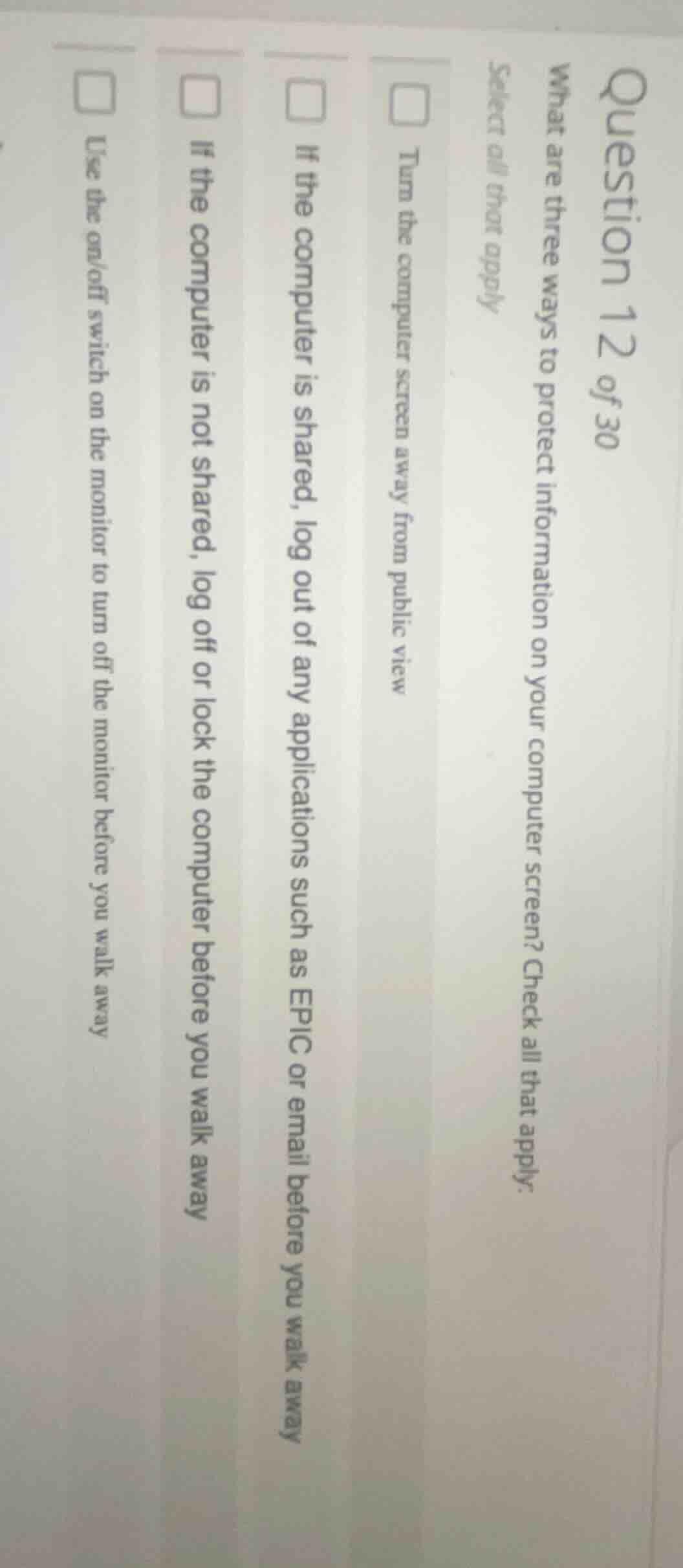
what are three ways to protect information on your computer screen? check all that apply.
select all that apply
□ turn the computer screen away from public view
□ if the computer is shared, log out of any applications such as epic or email before you walk away
□ if the computer is not shared, log off or lock the computer before you walk away
□ use the on/off switch on the monitor to turn off the monitor before you walk away
Brief Explanations
- Turning the computer screen away from public view prevents others from seeing the information on the screen.
- If the computer is shared, logging out of applications like EPIC or email ensures that the next user cannot access your personal or sensitive information.
- If the computer is not shared, logging off or locking the computer before walking away secures the device and the information on it. Using the on/off switch on the monitor only turns off the monitor, not the computer, and does not fully protect the information.

Snap & solve any problem in the app
Get step-by-step solutions on Sovi AI
Photo-based solutions with guided steps
Explore more problems and detailed explanations
- Turn the computer screen away from public view
- If the computer is shared, log out of any applications such as EPIC or email before you walk away
- If the computer is not shared, log off or lock the computer before you walk away