QUESTION IMAGE
Question
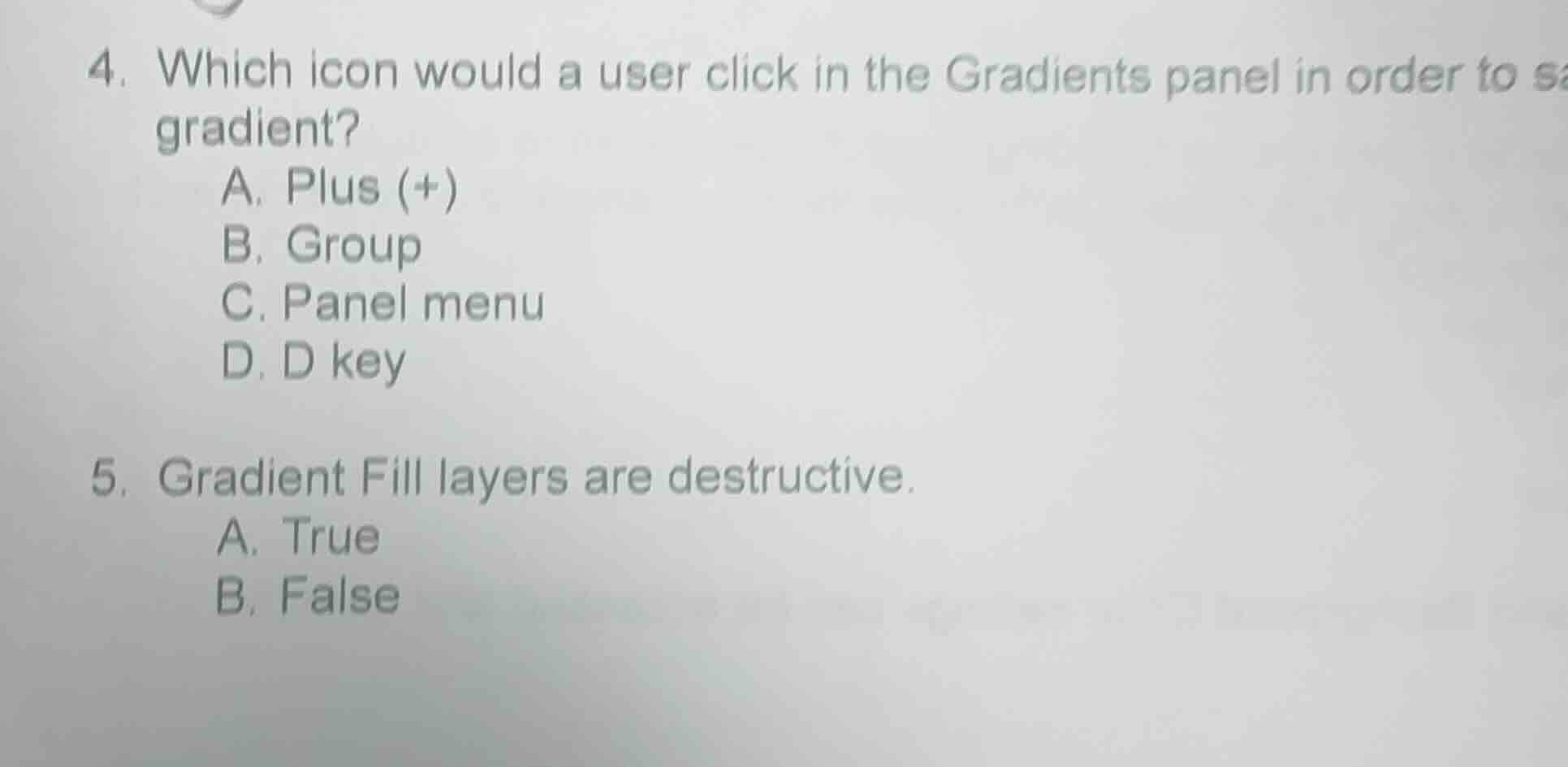
- which icon would a user click in the gradients panel in order to sa gradient?
a. plus (+)
b. group
c. panel menu
d. d key
- gradient fill layers are destructive.
a. true
b. false
Brief Explanations
For question 4: The Plus (+) icon in the Gradients panel is used to save a created or edited gradient directly to the panel. The Group icon organizes gradients, the Panel menu has additional options but is not the direct save click, and the D key resets colors, not saves gradients.
For question 5: Gradient Fill layers are non-destructive adjustment layers—they apply the gradient effect without permanently altering the original image pixels, so they do not destroy source content.

Snap & solve any problem in the app
Get step-by-step solutions on Sovi AI
Photo-based solutions with guided steps
Explore more problems and detailed explanations
- A. Plus (+)
- B. False