QUESTION IMAGE
Question
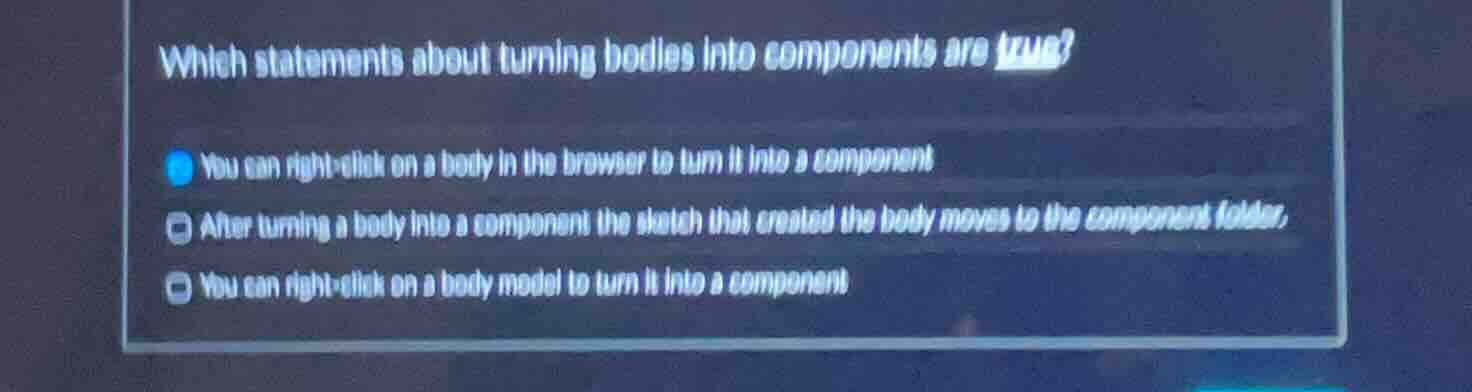
which statements about turning bodies into components are true? you can right - click on a body in the browser to turn it into a component after turning a body into a component the sketch that created the body moves to the component folder. you can right - click on a body model to turn it into a component
Brief Explanations
- Right-clicking a body in the feature tree/browser is a standard method in CAD software to convert it to a component.
- When a body is converted to a component, the associated sketch (the feature that generated the body) is automatically moved into the component's internal folder structure to maintain the design hierarchy.
- Right-clicking the body model (the geometry in the workspace) is also a valid way to access the option to convert it to a component in most CAD tools.

Snap & solve any problem in the app
Get step-by-step solutions on Sovi AI
Photo-based solutions with guided steps
Explore more problems and detailed explanations
- You can right-click on a body in the browser to turn it into a component
- After turning a body into a component the sketch that created the body moves to the component folder.
- You can right-click on a body model to turn it into a component