QUESTION IMAGE
Question
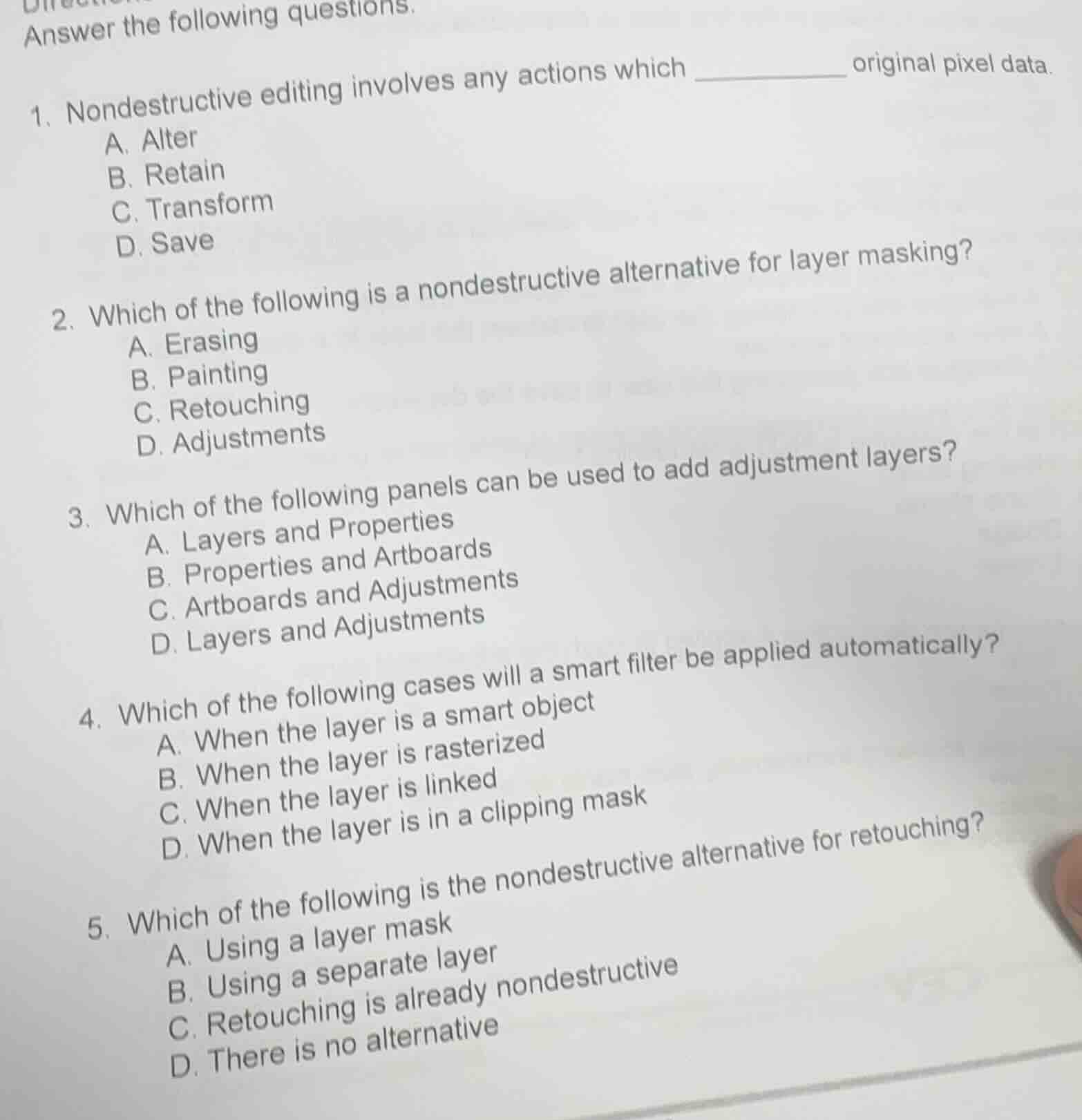
answer the following questions.
- nondestructive editing involves any actions which __________ original pixel data.
a. alter
b. retain
c. transform
d. save
- which of the following is a nondestructive alternative for layer masking?
a. erasing
b. painting
c. retouching
d. adjustments
- which of the following panels can be used to add adjustment layers?
a. layers and properties
b. properties and artboards
c. artboards and adjustments
d. layers and adjustments
- which of the following cases will a smart filter be applied automatically?
a. when the layer is a smart object
b. when the layer is rasterized
c. when the layer is linked
d. when the layer is in a clipping mask
- which of the following is the nondestructive alternative for retouching?
a. using a layer mask
b. using a separate layer
c. retouching is already nondestructive
d. there is no alternative
Brief Explanations
- Nondestructive editing preserves the original source data so it can be restored later, meaning it retains the original pixel data.
- Adjustment layers are a nondestructive way to modify images without altering original pixels, unlike erasing, painting, or retouching which change pixel data directly.
- In image editing software, the Layers panel (via the adjustment layer icon) and Adjustments panel both allow users to add adjustment layers.
- Smart filters are automatically applied to smart objects, as they preserve the original layer data for editable, nondestructive changes; rasterized, linked, or clipping mask layers do not trigger automatic smart filter application.
- Using a separate layer for retouching keeps the original image layer intact, making it a nondestructive alternative, as the original data is unmodified.

Snap & solve any problem in the app
Get step-by-step solutions on Sovi AI
Photo-based solutions with guided steps
Explore more problems and detailed explanations
- B. Retain
- D. Adjustments
- D. Layers and Adjustments
- A. When the layer is a smart object
- B. Using a separate layer