QUESTION IMAGE
Question
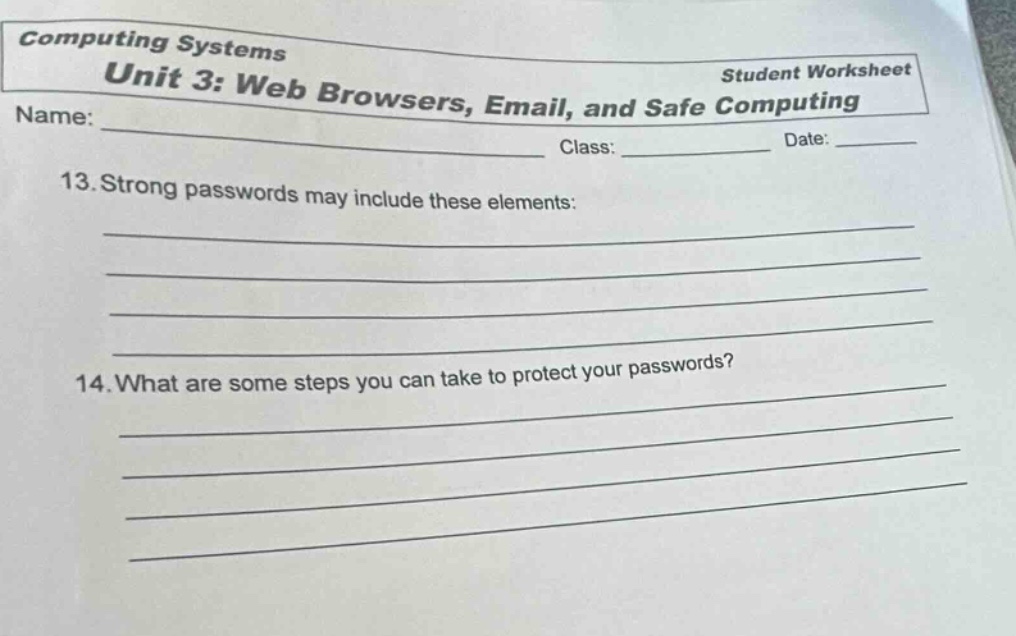
computing systems
unit 3: web browsers, email, and safe computing
student worksheet
name: ____________________________ class: _________ date: ____
- strong passwords may include these elements:
_____________________________________________________________________
_____________________________________________________________________
_____________________________________________________________________
_____________________________________________________________________
- what are some steps you can take to protect your passwords?
_____________________________________________________________________
_____________________________________________________________________
_____________________________________________________________________
_____________________________________________________________________
Question 13 (Strong passwords elements)
Strong passwords typically combine different character types for complexity. Common elements are uppercase letters (e.g., A, B), lowercase letters (e.g., a, b), numbers (e.g., 1, 2), and special characters (e.g.,!, @). This mix makes passwords harder to guess or crack via brute - force methods.
To protect passwords, we can use password managers to store them securely, avoid sharing passwords, change them regularly, and be cautious on public networks. Also, enabling two - factor authentication adds an extra layer of security.

Snap & solve any problem in the app
Get step-by-step solutions on Sovi AI
Photo-based solutions with guided steps
Explore more problems and detailed explanations
- Uppercase letters (e.g., A, B, C)
- Lowercase letters (e.g., a, b, c)
- Numbers (e.g., 1, 2, 3)
- Special characters (e.g.,!, @, #)