QUESTION IMAGE
Question
describing how to sort data in a table
page 1:
page 2:
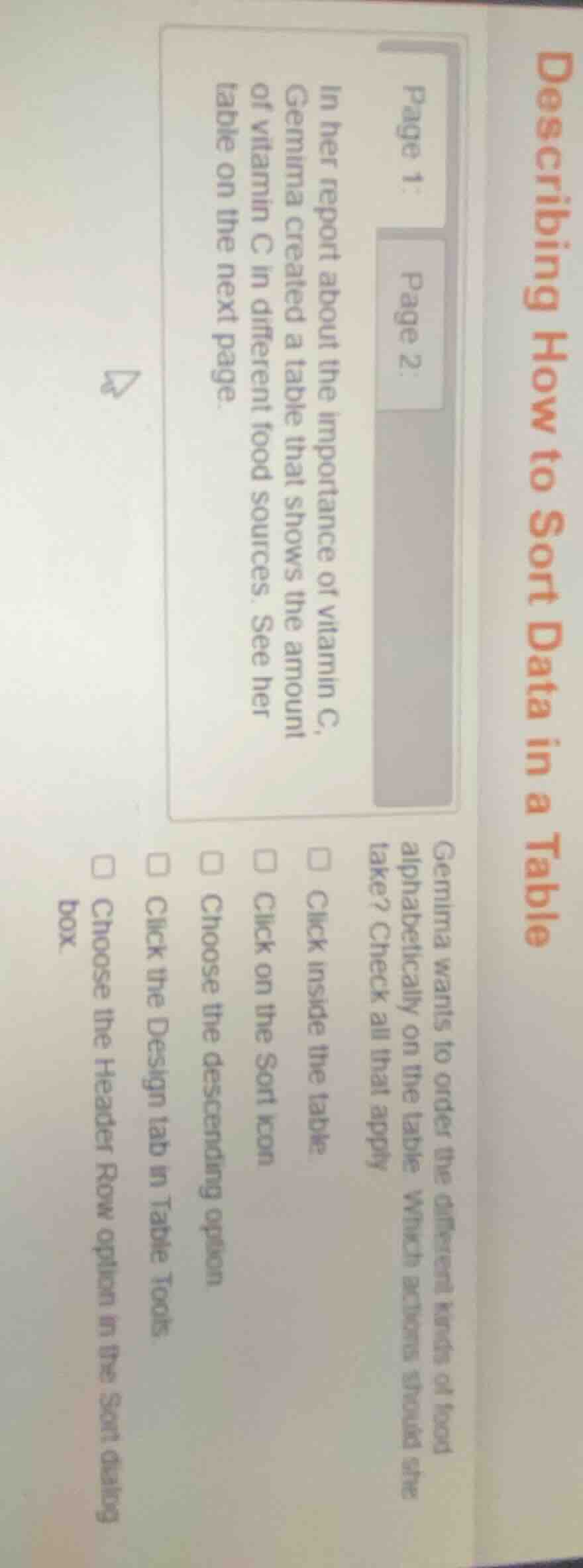
in her report about the importance of vitamin c,
gemima created a table that shows the amount
of vitamin c in different food sources. see her
table on the next page.
gemima wants to order the different kinds of food
alphabetically on the table. which actions should she
take? check all that apply
□ click inside the table
□ click on the sort icon
□ choose the descending option
□ click the design tab in table tools
□ choose the header row option in the sort dialog
box.
To sort food alphabetically in a table, first select the table by clicking inside it. Then access the sorting function via the Sort icon. To ensure the header row (food names) is treated correctly, select the Header Row option in the Sort dialog. The Design tab is for table styling, and descending order is not needed for alphabetical (standard ascending) sorting.

Snap & solve any problem in the app
Get step-by-step solutions on Sovi AI
Photo-based solutions with guided steps
Explore more problems and detailed explanations
- Click inside the table
- Click on the Sort icon
- Choose the Header Row option in the Sort dialog box