QUESTION IMAGE
Question
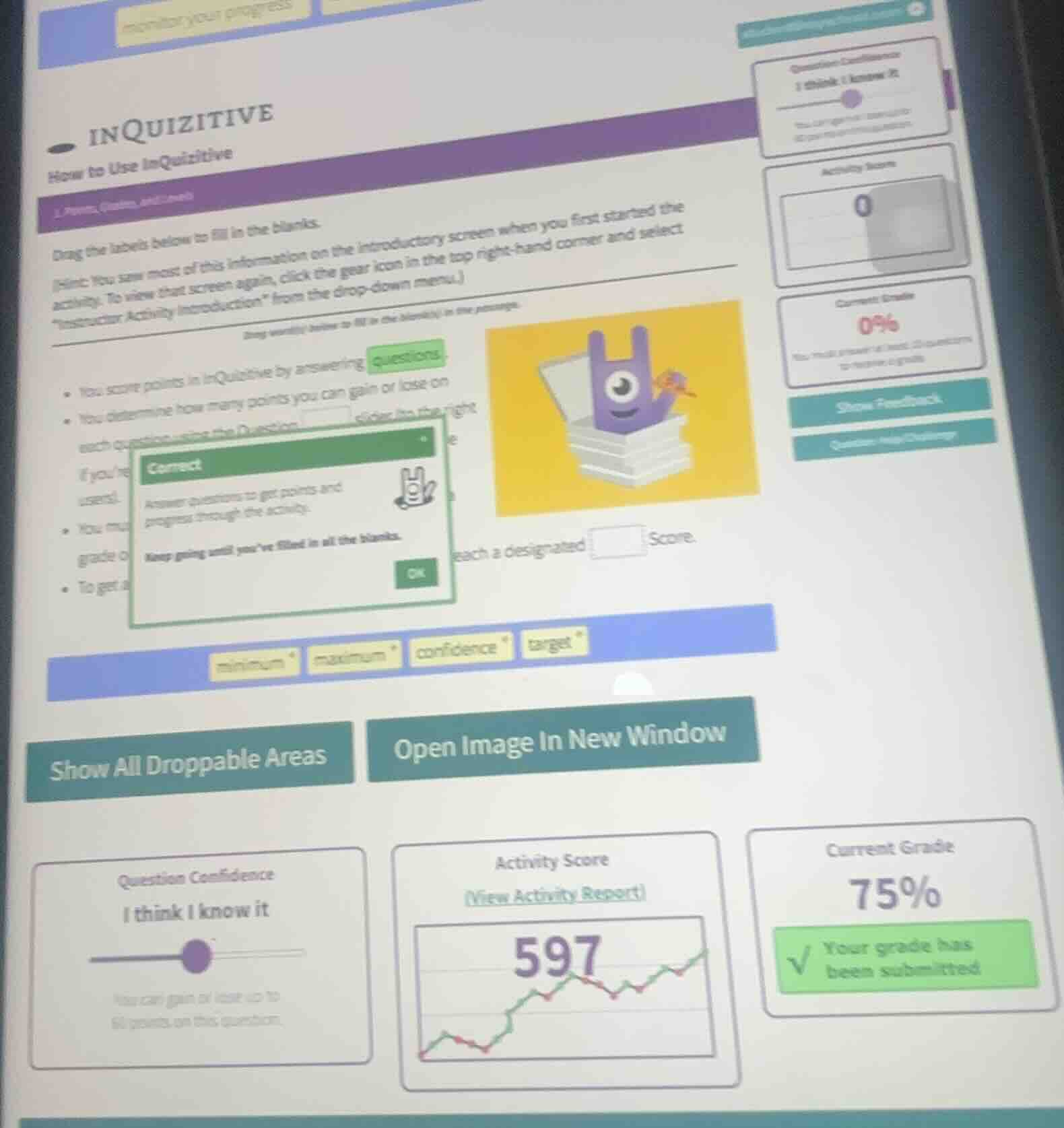
inquizitive how to use inquizitive drag the labels below to fill in the blanks. hint: you saw most of this information on the introductory screen when you first started the activity. to view that screen again, click the gear icon in the top right - hand corner and select \instructor activity introduction\ from the drop - down menu. - you score points in inquizitive by answering questions. - you determine how many points you can gain or lose on each question using the question ____ slider to the right if you... - you must... reach a designated ____ score. the labels to drag are: minimum, maximum, confidence, target
Match the terms to the blanks based on InQuizitive's functionality:
- The Question Confidence slider controls point gain/loss per question.
- To get a grade, you need to reach a designated target score.

Snap & solve any problem in the app
Get step-by-step solutions on Sovi AI
Photo-based solutions with guided steps
Explore more problems and detailed explanations
- Blank 1 (after "Question"): confidence
- Blank 2 (before "Score"): target