QUESTION IMAGE
Question
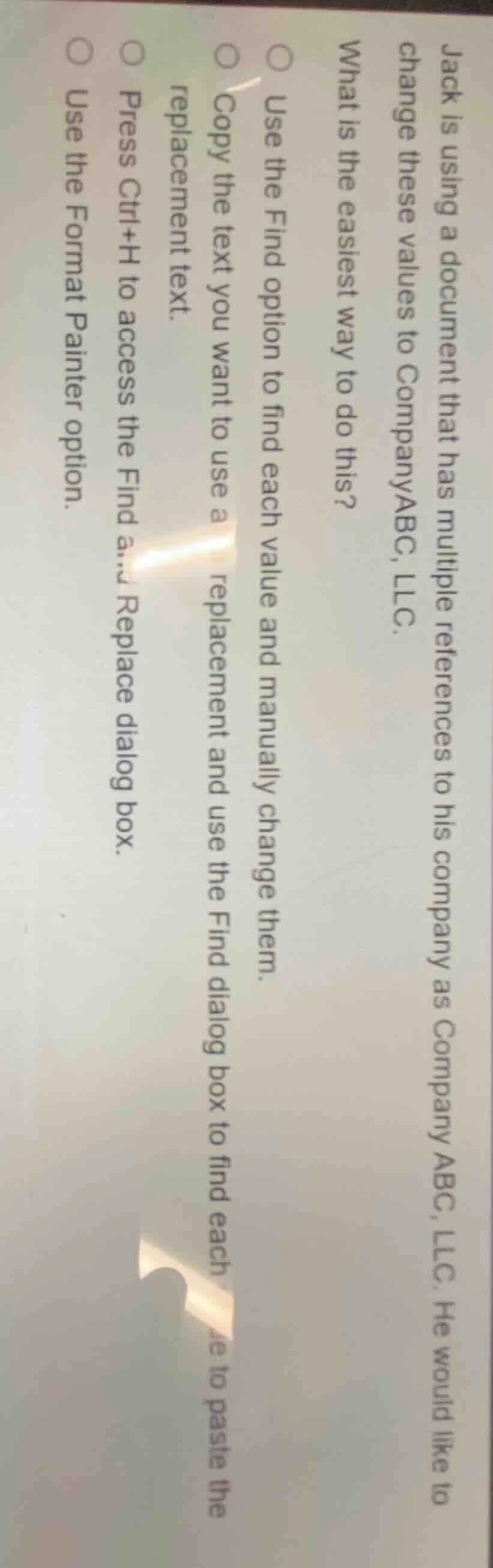
jack is using a document that has multiple references to his company as company abc, llc. he would like to change these values to companyabc, llc.
what is the easiest way to do this?
○ use the find option to find each value and manually change them.
○ copy the text you want to use a replacement and use the find dialog box to find each to paste the replacement text.
○ press ctrl+h to access the find and replace dialog box.
○ use the format painter option.
The Find and Replace tool (accessed via Ctrl+H) allows for automatic, bulk replacement of all instances of a specific text string in a document, which is far more efficient than manual changes or single find/paste actions. Format Painter is for copying formatting, not text content.

Snap & solve any problem in the app
Get step-by-step solutions on Sovi AI
Photo-based solutions with guided steps
Explore more problems and detailed explanations
Press Ctrl+H to access the Find and Replace dialog box.