QUESTION IMAGE
Question
question 12 of 25.
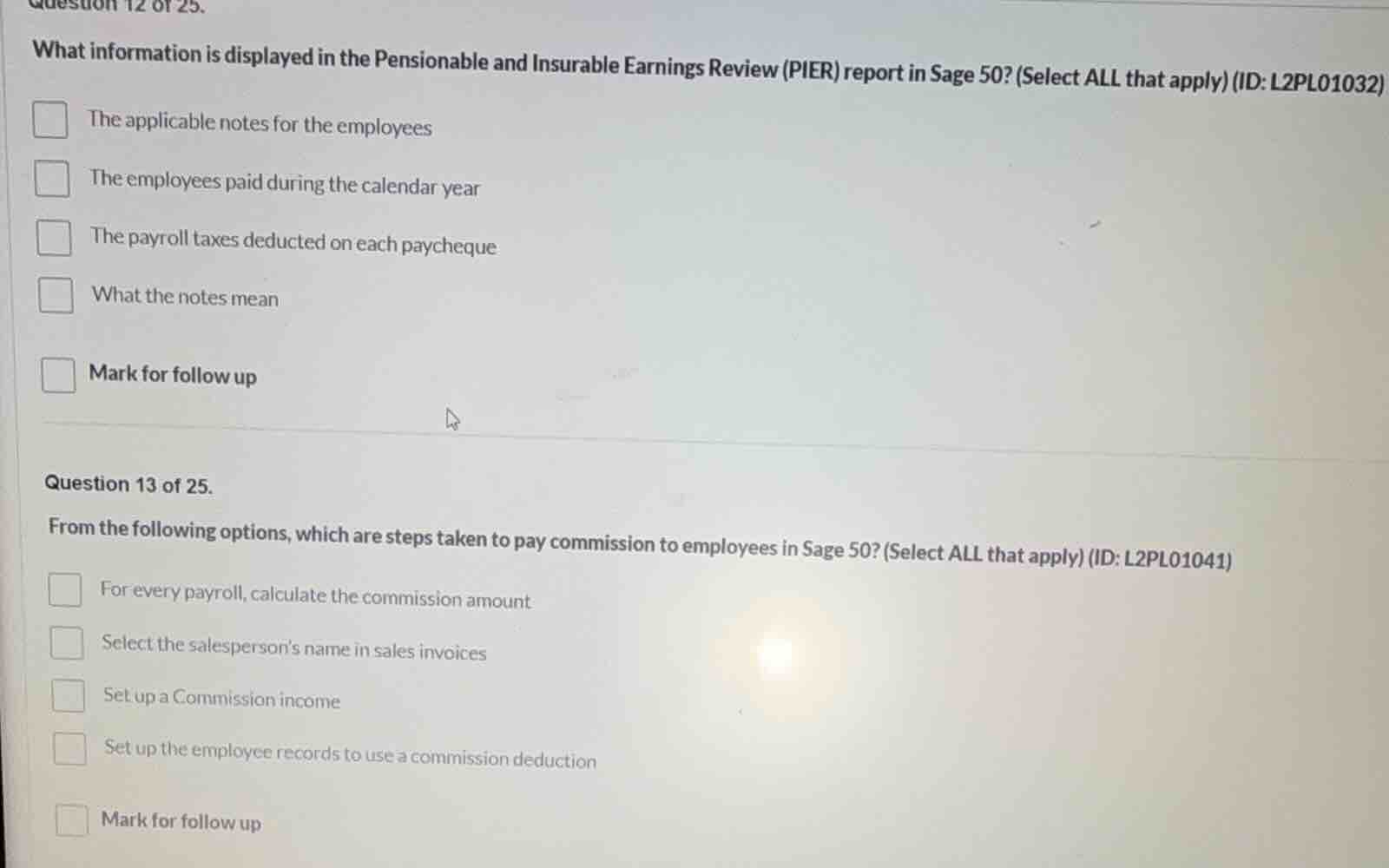
what information is displayed in the pensionable and insurable earnings review (pier) report in sage 50? (select all that apply) (id: l2pl01032)
- the applicable notes for the employees
- the employees paid during the calendar year
- the payroll taxes deducted on each paycheque
- what the notes mean
- mark for follow up
question 13 of 25.
from the following options, which are steps taken to pay commission to employees in sage 50? (select all that apply) (id: l2pl01041)
- for every payroll, calculate the commission amount
- select the salesperson’s name in sales invoices
- set up a commission income
- set up the employee records to use a commission deduction
- mark for follow up
Question 12
The PIER report in Sage 50 shows details related to pensionable and insurable earnings. The applicable notes for employees, what the notes mean, and the employees paid during the calendar year are relevant. Payroll taxes on each cheque are more about individual paycheque deductions (not PIER's focus), and "Mark for follow up" is not a report content.
To pay commission in Sage 50: Selecting the salesperson in invoices (to track sales for commission), setting up commission income (to account for it), setting up employee records for commission deduction (to apply deductions), and calculating commission per payroll (to determine the amount). "Mark for follow up" is not a step.

Snap & solve any problem in the app
Get step-by-step solutions on Sovi AI
Photo-based solutions with guided steps
Explore more problems and detailed explanations
- The applicable notes for the employees
- The employees paid during the calendar year
- What the notes mean