QUESTION IMAGE
Question
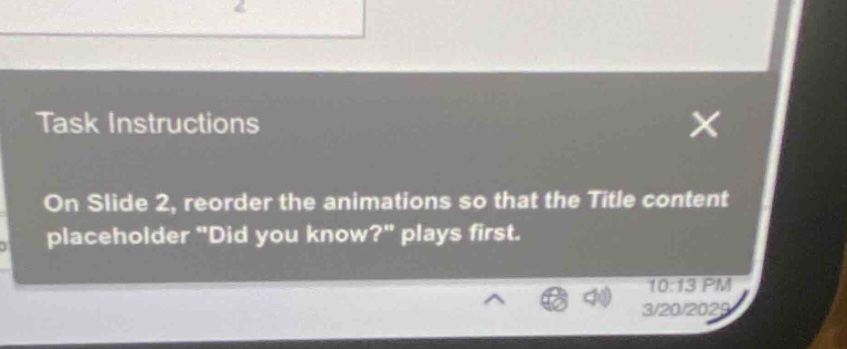
task instructions on slide 2, reorder the animations so that the title content placeholder \did you know?\ plays first.
To reorder animations in PowerPoint (assuming this is the software): First, go to Slide 2. Then, access the "Animations" tab. In the "Animation Pane" (usually found on the right or via the tab), find the animations list. Locate the animation for the "Did you know?" title placeholder. Drag it to the top of the animation order list so it plays first.

Snap & solve any problem in the app
Get step-by-step solutions on Sovi AI
Photo-based solutions with guided steps
Explore more problems and detailed explanations
To reorder animations on Slide 2 for the "Did you know?" title to play first: 1. Navigate to Slide 2. 2. Open the "Animations" tab. 3. Open the "Animation Pane" (if not visible, find it in the "Advanced Animation" group). 4. In the Animation Pane, find the animation associated with the "Did you know?" title placeholder. 5. Drag that animation to the top of the animation sequence list (so it has the earliest play order).