QUESTION IMAGE
Question
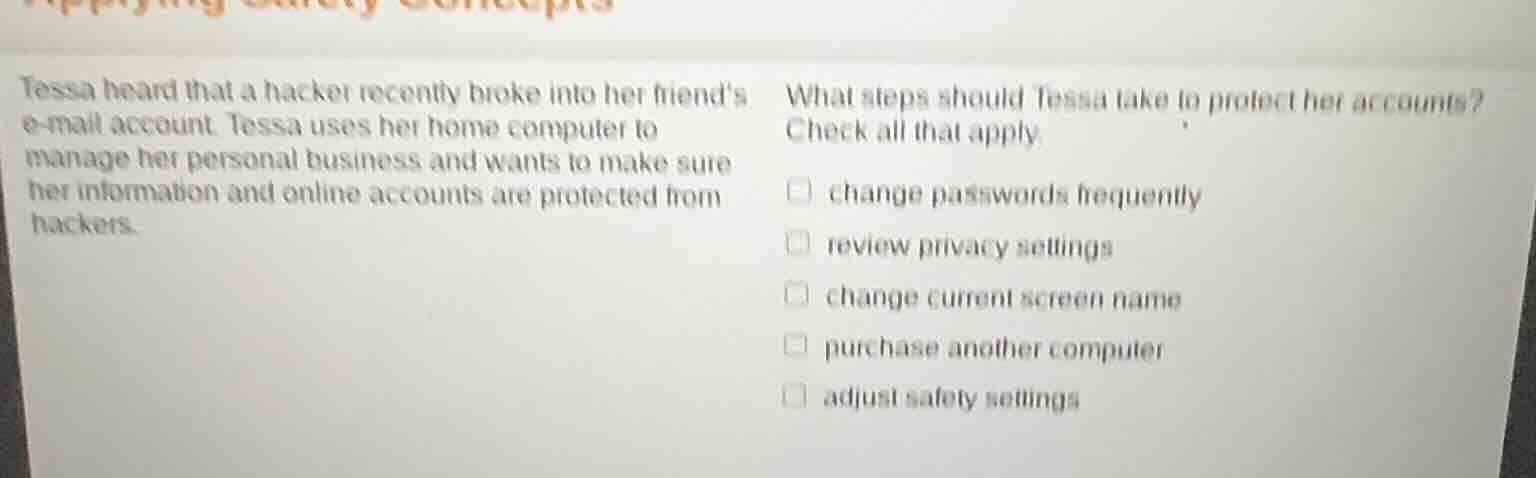
tessa heard that a hacker recently broke into her friend’s e - mail account. tessa uses her home computer to manage her personal business and wants to make sure her information and online accounts are protected from hackers. what steps should tessa take to protect her accounts? check all that apply.
□ change passwords frequently
□ review privacy settings
□ change current screen name
□ purchase another computer
□ adjust safety settings
Brief Explanations
- Changing passwords frequently helps prevent unauthorized access as it makes it harder for hackers who might have obtained an old password to access the account.
- Reviewing privacy settings allows Tessa to control what information is shared and with whom, reducing the risk of data being exploited by hackers.
- Adjusting safety settings (like security software settings, firewall settings etc.) can enhance the protection of her computer and online accounts from malicious attacks.
- Changing the screen name does not directly contribute to protecting accounts from hackers as screen names are more for identification/visibility rather than security.
- Purchasing another computer is not a necessary or effective step for account security; the issue is about protecting accounts, not the computer hardware (and security can be improved on the existing computer through settings, software etc.).

Snap & solve any problem in the app
Get step-by-step solutions on Sovi AI
Photo-based solutions with guided steps
Explore more problems and detailed explanations
- change passwords frequently
- review privacy settings
- adjust safety settings