QUESTION IMAGE
Question
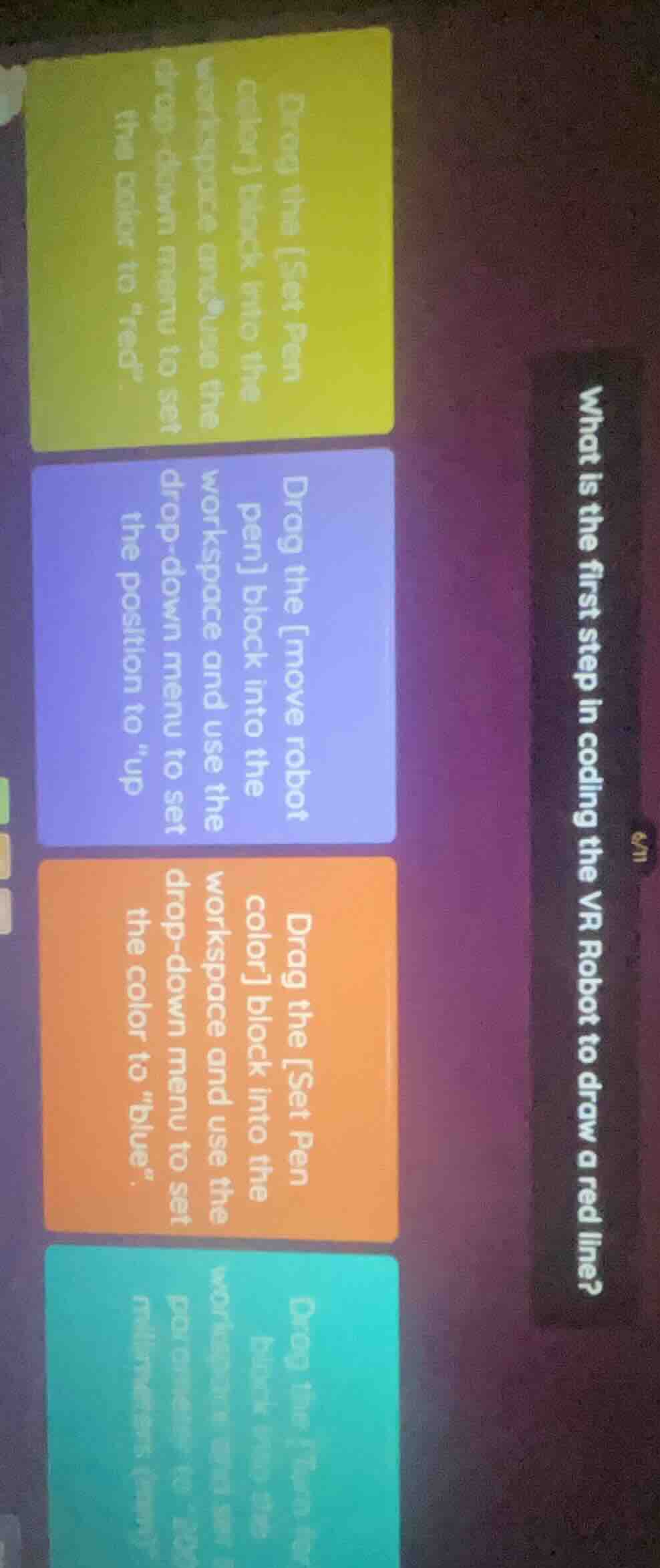
what is the first step in coding the vr robot to draw a red line? drag the set pen color block into the workspace and use the drop - down menu to set the color to “red”. drag the move robot pen block into the workspace and use the drop - down menu to set the position to “up” drag the set pen color block into the workspace and use the drop - down menu to set the color to “blue”. drag the pen up block into the workspace and use the drop - down menu to set the pen to “down”.
To code a VR Robot to draw a red line, you first need to set the pen to red, as the pen color determines the color of the line drawn when the robot moves. The other options either set the wrong color, move the robot without setting the correct pen color first, or adjust an unrelated parameter.

Snap & solve any problem in the app
Get step-by-step solutions on Sovi AI
Photo-based solutions with guided steps
Explore more problems and detailed explanations
Drag the [Set Pen color] block into the workspace and use the drop-down menu to set the color to "red".