QUESTION IMAGE
Question
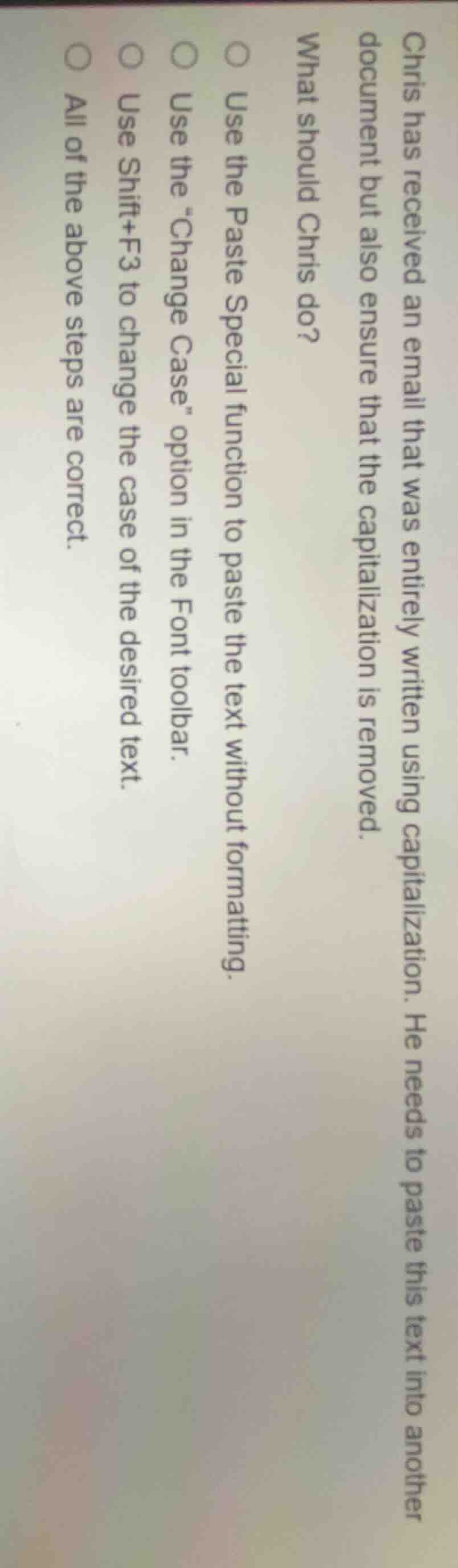
chris has received an email that was entirely written using capitalization. he needs to paste this text into another document but also ensure that the capitalization is removed.
what should chris do?
○ use the paste special function to paste the text without formatting.
○ use the \change case\ option in the font toolbar.
○ use shift+f3 to change the case of the desired text.
○ all of the above steps are correct.
Paste Special without formatting removes existing capitalization formatting. The "Change Case" toolbar option directly modifies text capitalization. The Shift+F3 keyboard shortcut is a standard way to cycle through text case options (all caps, lowercase, title case) to remove unwanted capitalization. All these methods effectively achieve Chris's goal of removing the all-capital formatting.

Snap & solve any problem in the app
Get step-by-step solutions on Sovi AI
Photo-based solutions with guided steps
Explore more problems and detailed explanations
All of the above steps are correct.