QUESTION IMAGE
Question
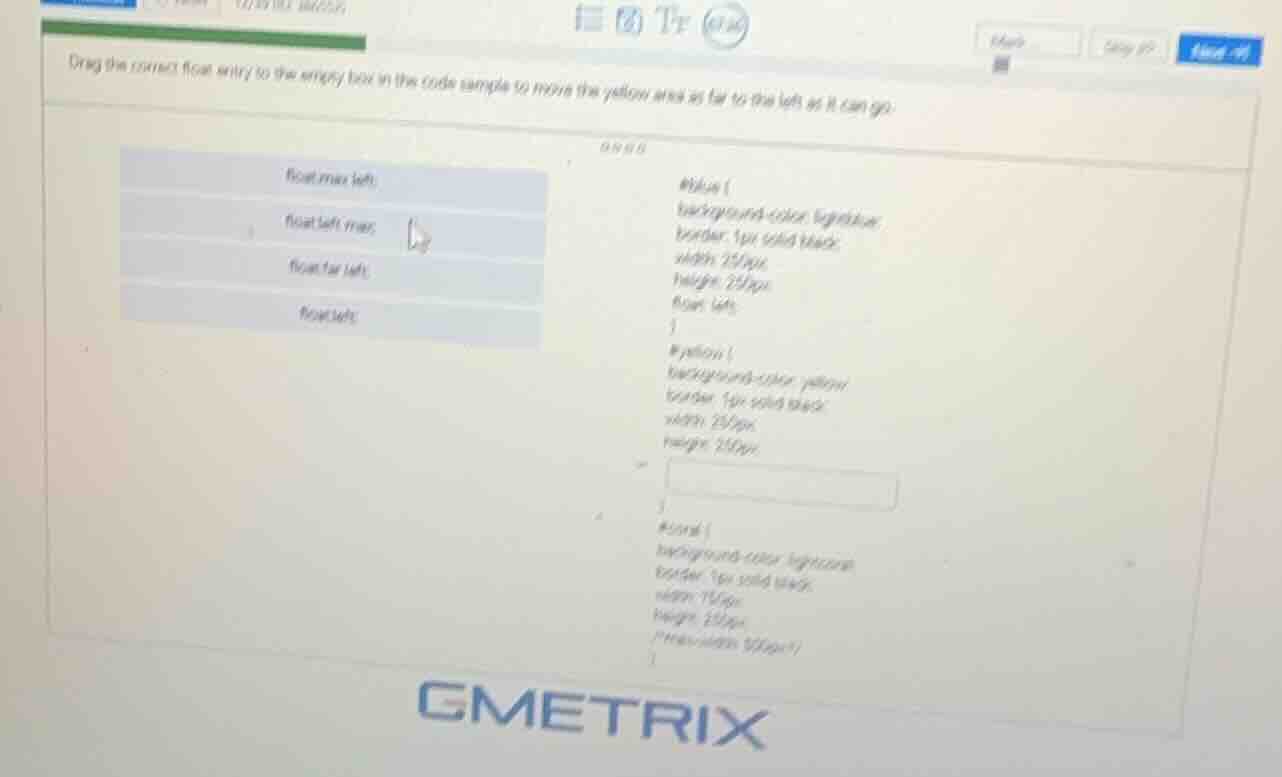
drag the correct float entry to the empty box in the code sample to move the yellow area as far to the left as it can go.
float: max-left;
float: left max;
float: far-left;
float: left;
#blue {
background-color: lightblue;
border: 1px solid black;
width: 250px;
height: 250px;
float: left;
}
#yellow {
background-color: yellow;
border: 1px solid black;
width: 250px;
height: 250px;
}
#coral {
background-color: lightcoral;
border: 1px solid black;
width: 750px;
height: 250px;
/max-width 500px/
}
In CSS, the float: left property positions an element as far to the left as possible within its containing block, allowing other elements to wrap around its right side. This is the correct value to move the yellow area to the far left as required.

Snap & solve any problem in the app
Get step-by-step solutions on Sovi AI
Photo-based solutions with guided steps
Explore more problems and detailed explanations
float: left;