QUESTION IMAGE
Question
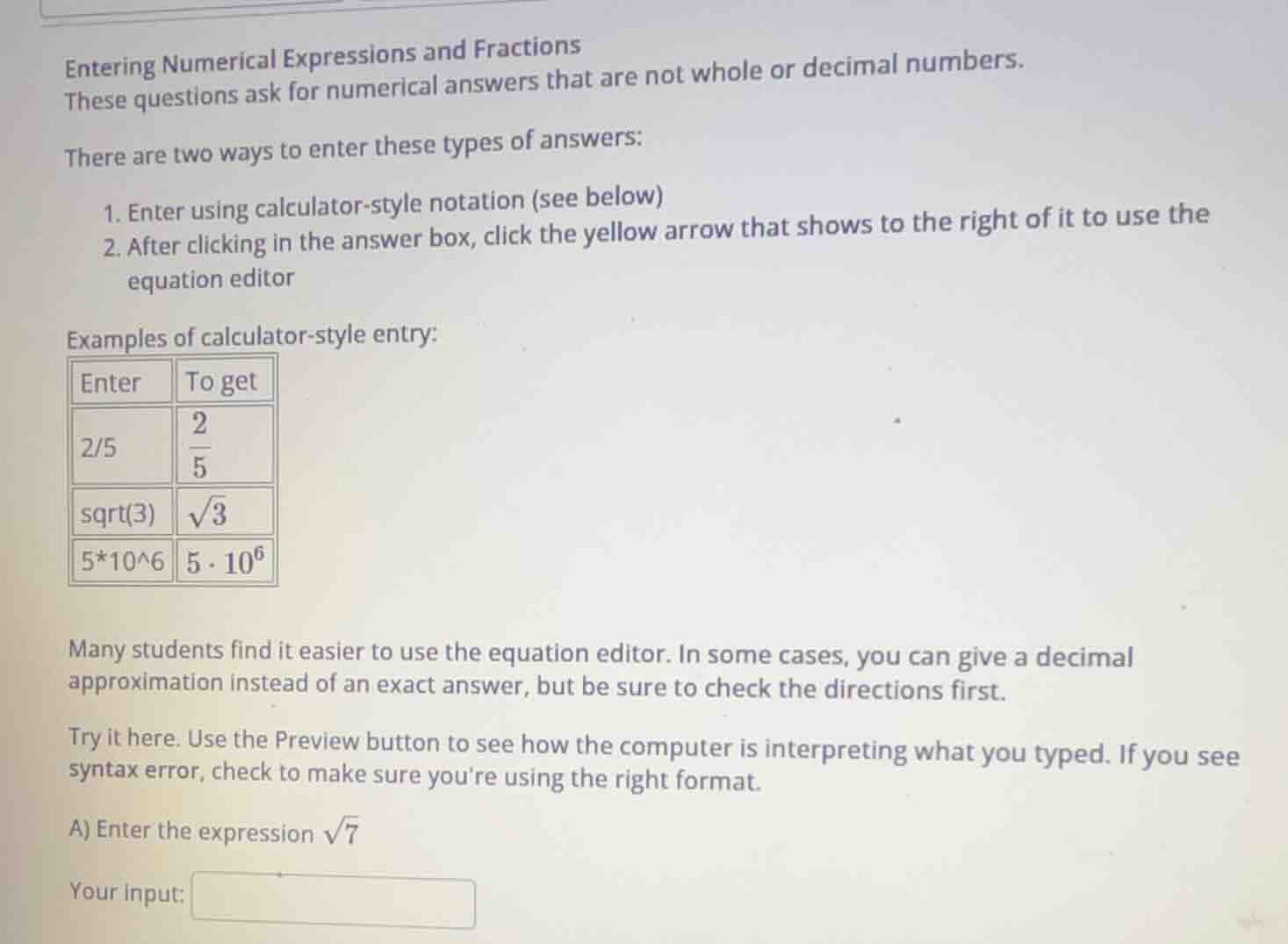
entering numerical expressions and fractions
these questions ask for numerical answers that are not whole or decimal numbers.
there are two ways to enter these types of answers:
- enter using calculator - style notation (see below)
- after clicking in the answer box, click the yellow arrow that shows to the right of it to use the equation editor
examples of calculator - style entry:
| enter | to get |
|---|---|
| sqrt(3) | $sqrt{3}$ |
| 5*10^6 | $5cdot10^6$ |
many students find it easier to use the equation editor. in some cases, you can give a decimal approximation instead of an exact answer, but be sure to check the directions first.
try it here. use the preview button to see how the computer is interpreting what you typed. if you see syntax error, check to make sure youre using the right format.
a) enter the expression $sqrt{7}$
your input:
Step1: Recall calculator - style notation for square root
From the examples, we know that to enter a square root like $\sqrt{x}$, we use the notation $\text{sqrt}(x)$.
Step2: Apply the notation to $\sqrt{7}$
For the expression $\sqrt{7}$, using the calculator - style notation, we enter $\text{sqrt}(7)$.

Snap & solve any problem in the app
Get step-by-step solutions on Sovi AI
Photo-based solutions with guided steps
Explore more problems and detailed explanations
$\text{sqrt}(7)$