QUESTION IMAGE
Question
question 14 of 25,
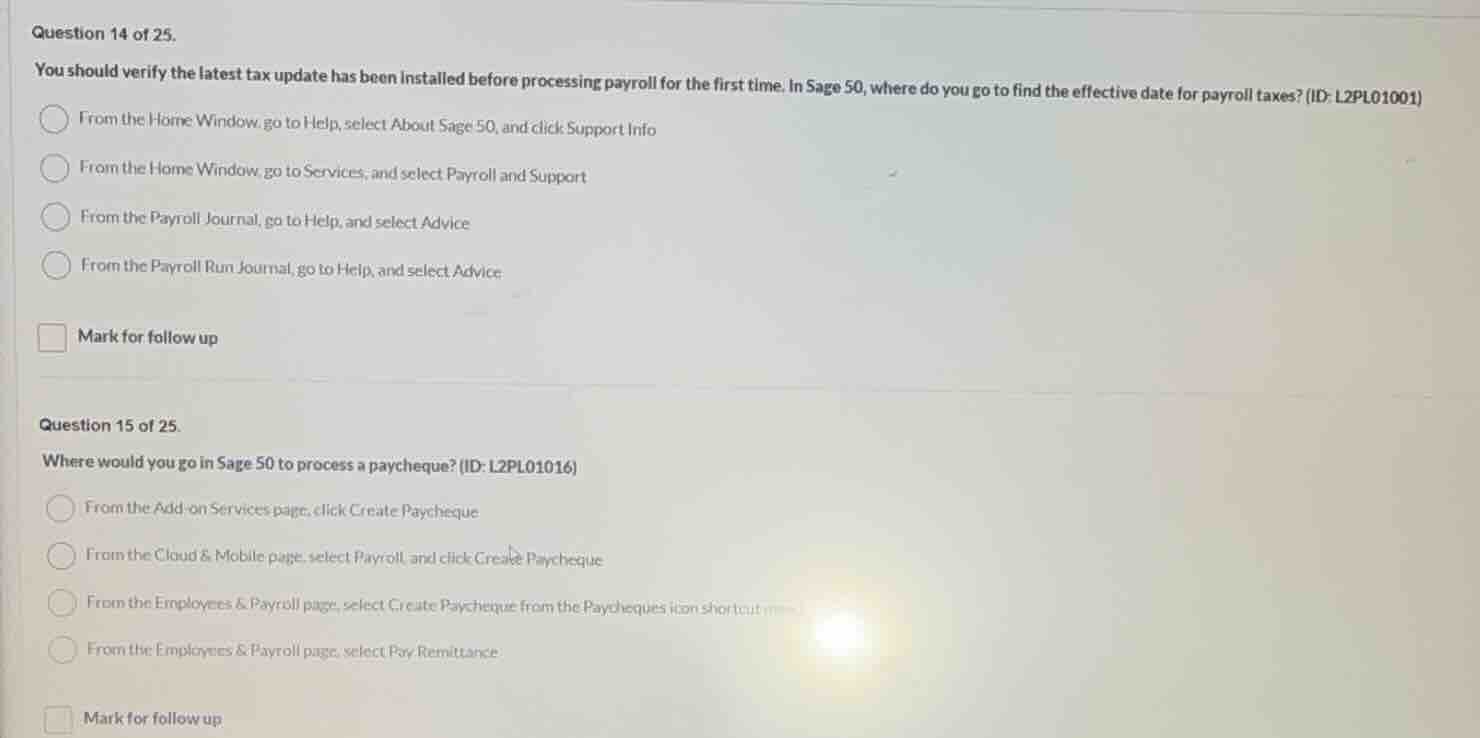
you should verify the latest tax update has been installed before processing payroll for the first time. in sage 50, where do you go to find the effective date for payroll taxes? (id: l2pl01001)
- from the home window go to help, select about sage 50, and click support info
- from the home window, go to services, and select payroll and support
- from the payroll journal, go to help, and select advice
- from the payroll run journal, go to help, and select advice
mark for follow up
question 15 of 25.
where would you go in sage 50 to process a paycheque? (id: l2pl01016)
- from the add - on services page, click create paycheque
- from the cloud & mobile page, select payroll and click create paycheque
- from the employees & payroll page, select create paycheque from the paycheques icon shortcut menu
- from the employees & payroll page, select pay remittance
mark for follow up
Question 14
To find the effective date for payroll taxes in Sage 50, the correct path is from the Home Window, go to Help, select About Sage 50, and click Support Info. This is the standard location to check such tax - related update information in Sage 50. The other options do not lead to the effective date of payroll taxes. For example, the "Services" option is for other types of services, and the options related to the Payroll Journal or Payroll Run Journal and their Help - Advice paths are not for checking tax effective dates.
To process a paycheque in Sage 50, the correct path is from the Employees & Payroll page, select Create Paycheque from the Paycheques icon shortcut menu. The "Add - on Services" page is for additional services, the "Cloud & Mobile" page is for cloud - related and mobile - related payroll actions (not for creating a paycheque), and "Pay Remittance" is for remitting payments, not creating a paycheque.

Snap & solve any problem in the app
Get step-by-step solutions on Sovi AI
Photo-based solutions with guided steps
Explore more problems and detailed explanations
A. From the Home Window go to Help, select About Sage 50, and click Support Info