QUESTION IMAGE
Question
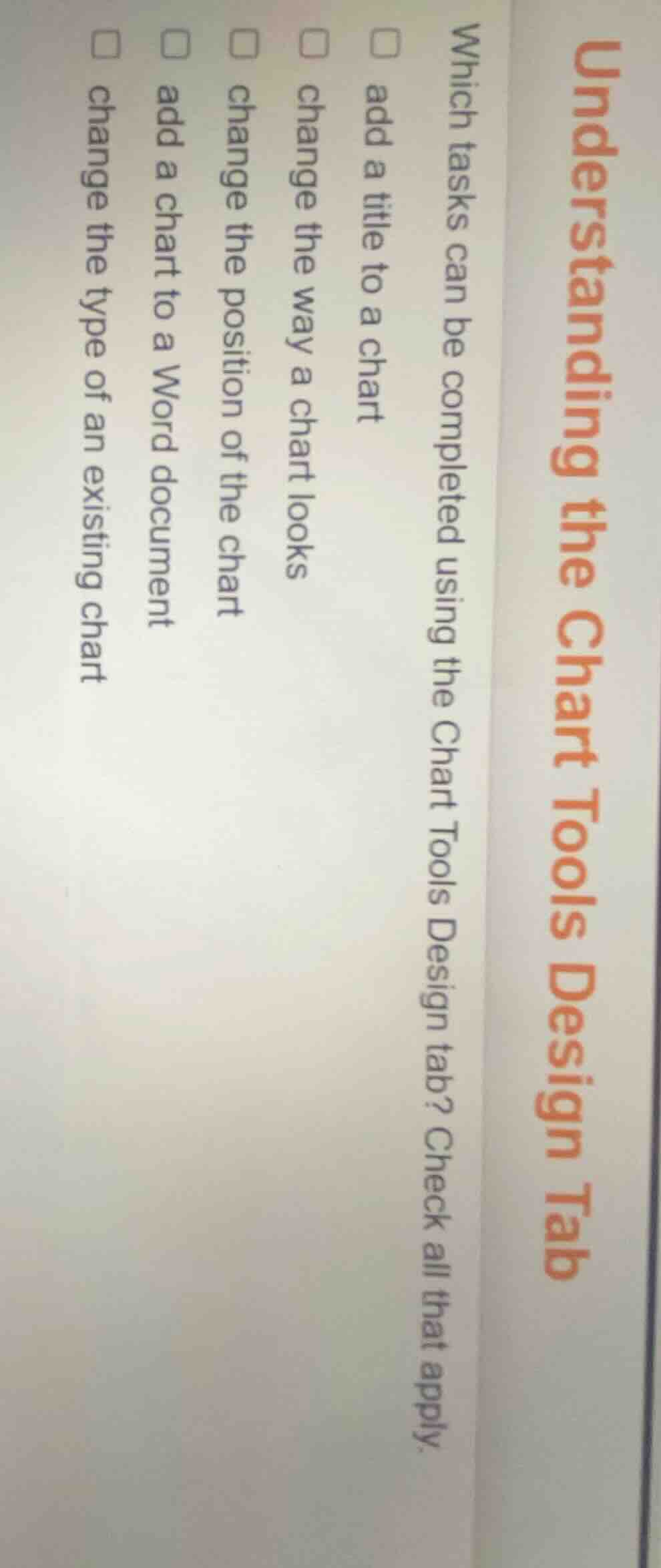
understanding the chart tools design tab
which tasks can be completed using the chart tools design tab? check all that apply.
□ add a title to a chart
□ change the way a chart looks
□ change the position of the chart
□ add a chart to a word document
□ change the type of an existing chart
Brief Explanations
The Chart Tools Design tab in Microsoft Word focuses on modifying existing charts:
- You can add a title to a chart via the "Add Chart Element" option.
- You can change the visual style (how a chart looks) using the Chart Styles section.
- You can reposition a chart on the document using layout options in this tab.
- You can change the type of an existing chart via the "Change Chart Type" button.
Adding a chart to a document is done via the Insert tab, not the Chart Tools Design tab.

Snap & solve any problem in the app
Get step-by-step solutions on Sovi AI
Photo-based solutions with guided steps
Explore more problems and detailed explanations
☑ add a title to a chart
☑ change the way a chart looks
☑ change the position of the chart
☑ change the type of an existing chart