QUESTION IMAGE
Question
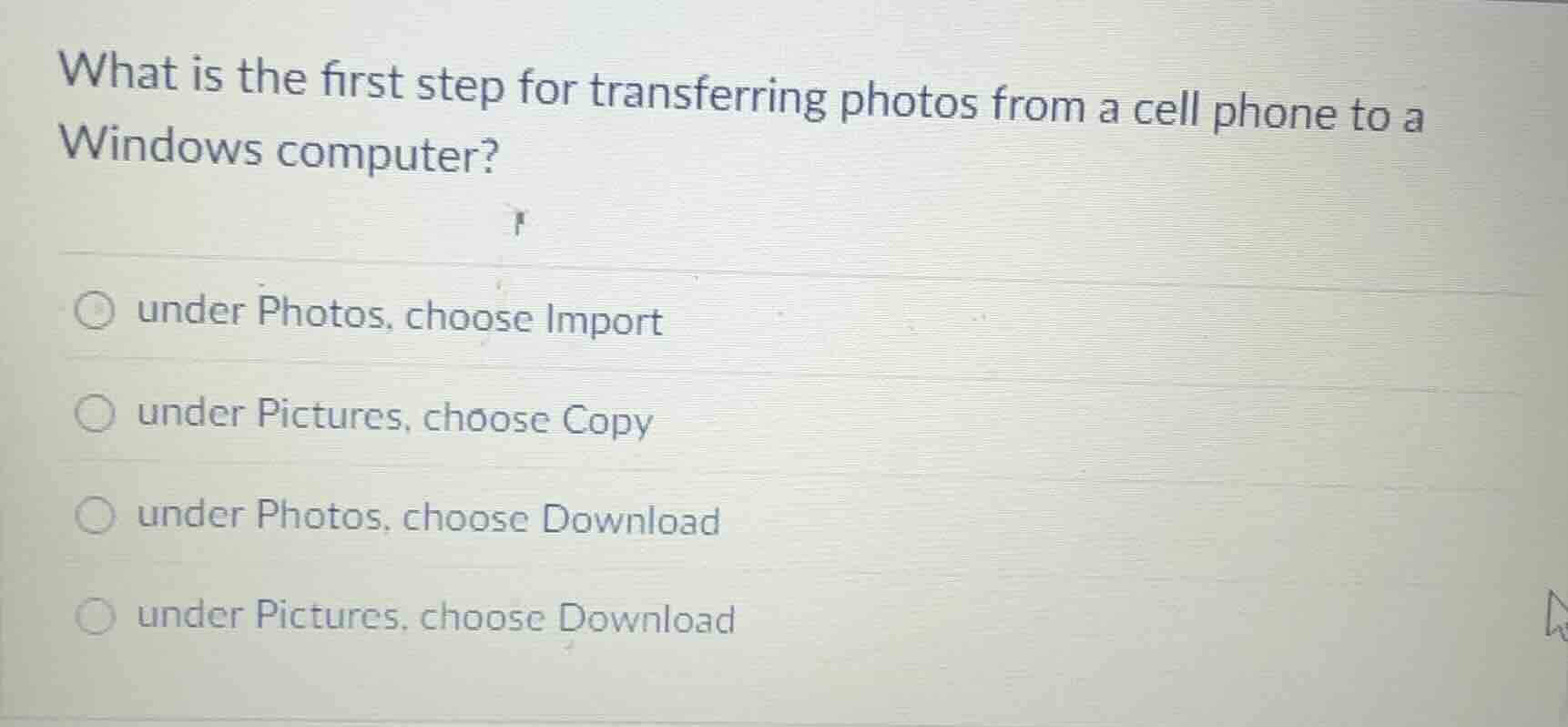
what is the first step for transferring photos from a cell phone to a windows computer?
under photos, choose import
under pictures, choose copy
under photos, choose download
under pictures, choose download
When transferring photos from a cell phone to a Windows computer, the native Windows Photos app is the standard tool, and the first action within the app is to select the "Import" option to initiate the process of bringing in photos from a connected device. The other options reference incorrect locations (Pictures folder is a storage location, not a transfer initiation point) or incorrect actions (Download is not the standard first step for direct device-to-computer transfer via the Photos app).

Snap & solve any problem in the app
Get step-by-step solutions on Sovi AI
Photo-based solutions with guided steps
Explore more problems and detailed explanations
under Photos, choose Import