QUESTION IMAGE
Question
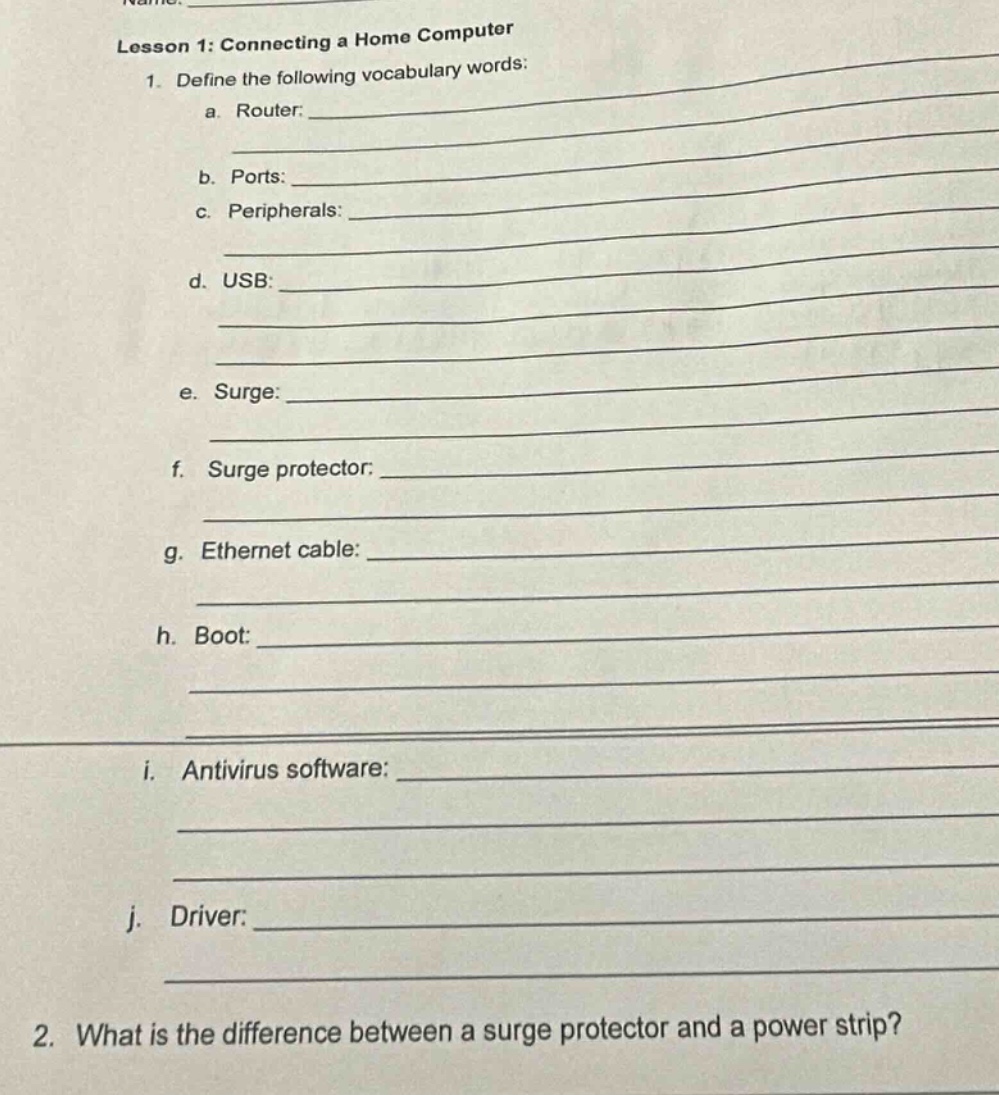
lesson 1: connecting a home computer
- define the following vocabulary words:
a. router:
b. ports:
c. peripherals:
d. usb:
e. surge:
f. surge protector:
g. ethernet cable:
h. boot:
i. antivirus software:
j. driver:
- what is the difference between a surge protector and a power strip?
1. Vocabulary Definitions:
a. Router:
A device that connects multiple computer networks, directing data traffic between them (e.g., connecting a home network to the internet).
b. Ports:
Physical or virtual interfaces on a computer/device to connect peripherals (e.g., USB, Ethernet ports) or transfer data.
c. Peripherals:
External devices (e.g., keyboard, printer, mouse) connected to a computer to enhance its functionality.
d. USB:
Universal Serial Bus, a standard interface for connecting peripherals (e.g., flash drives, keyboards) and transferring data/power.
e. Surge:
A sudden, brief increase in electrical voltage, which can damage electronic devices.
f. Surge protector:
A device that protects electronics from voltage surges by diverting excess voltage to the ground.
g. Ethernet cable:
A cable used to connect devices (e.g., computers, routers) in a local area network (LAN) for high-speed data transfer.
h. Boot:
The process of starting a computer, loading the operating system, and preparing it for use.
i. Antivirus software:
Software that detects, prevents, and removes malware (e.g., viruses, trojans) from a computer.
j. Driver:
Software that enables communication between an operating system and hardware devices (e.g., printer, graphics card).
2. Difference between Surge Protector and Power Strip:
- Power Strip: Primarily a device to expand the number of electrical outlets, allowing multiple devices to be plugged in. It does not protect against voltage surges.
- Surge Protector: In addition to providing multiple outlets, it includes surge protection circuitry to safeguard connected devices from voltage spikes/surges.

Snap & solve any problem in the app
Get step-by-step solutions on Sovi AI
Photo-based solutions with guided steps
Explore more problems and detailed explanations
s (Vocabulary Definitions):
a. A device connecting computer networks and directing data traffic.
b. Interfaces on devices to connect peripherals or transfer data.
c. External devices connected to a computer for enhanced functionality.
d. A standard interface for connecting peripherals and transferring data/power.
e. A sudden, brief increase in electrical voltage.
f. A device protecting electronics from voltage surges.
g. A cable for high - speed data transfer in a LAN.
h. The process of starting a computer and loading the OS.
i. Software to detect, prevent, and remove malware.
j. Software enabling OS - hardware communication.