QUESTION IMAGE
Question
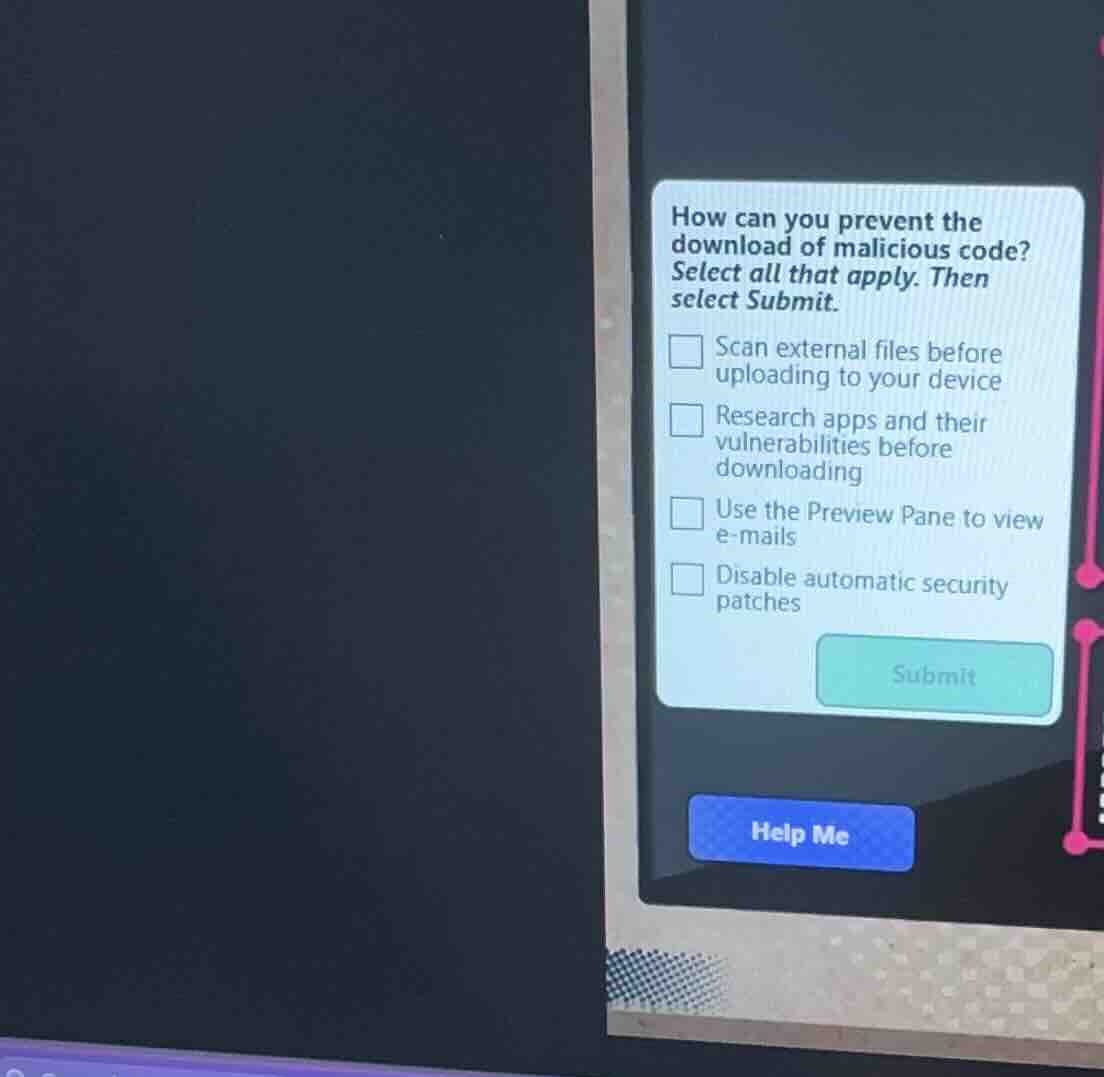
how can you prevent the download of malicious code? select all that apply. then select submit. scan external files before uploading to your device research apps and their vulnerabilities before downloading use the preview pane to view e - mails disable automatic security patches submit help me
Brief Explanations
- Scanning external files before uploading checks for malicious code in those files.
- Researching apps and their vulnerabilities helps identify risky apps.
- Using the Preview Pane for emails can prevent opening malicious email content.
- Disabling automatic security patches is bad as it leaves the system unprotected, so it's not a preventive measure.

Snap & solve any problem in the app
Get step-by-step solutions on Sovi AI
Photo-based solutions with guided steps
Explore more problems and detailed explanations
A. Scan external files before uploading to your device, B. Research apps and their vulnerabilities before downloading, C. Use the Preview Pane to view e - mails