QUESTION IMAGE
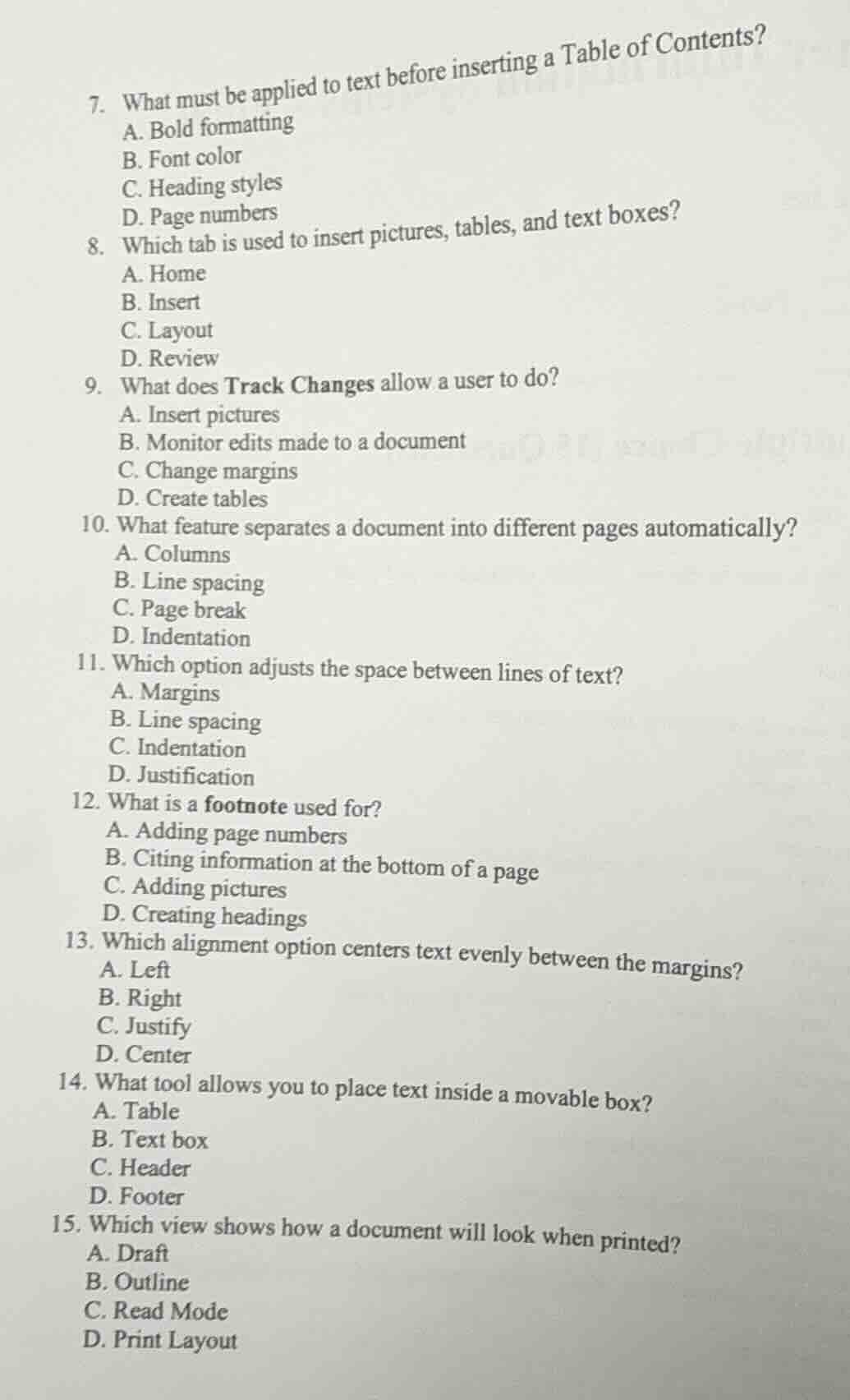
Question
- what must be applied to text before inserting a table of contents?
a. bold formatting
b. font color
c. heading styles
d. page numbers
- which tab is used to insert pictures, tables, and text boxes?
a. home
b. insert
c. layout
d. review
- what does track changes allow a user to do?
a. insert pictures
b. monitor edits made to a document
c. change margins
d. create tables
- what feature separates a document into different pages automatically?
a. columns
b. line spacing
c. page break
d. indentation
- which option adjusts the space between lines of text?
a. margins
b. line spacing
c. indentation
d. justification
- what is a footnote used for?
a. adding page numbers
b. citing information at the bottom of a page
c. adding pictures
d. creating headings
- which alignment option centers text evenly between the margins?
a. left
b. right
c. justify
d. center
- what tool allows you to place text inside a movable box?
a. table
b. text box
c. header
d. footer
- which view shows how a document will look when printed?
a. draft
b. outline
c. read mode
d. print layout
Question 7
To insert a Table of Contents, heading styles must be applied to the text so that the software can identify the headings to include in the TOC. Bold formatting, font color, and page numbers are not related to creating a TOC.
The "Insert" tab in word - processing software is specifically designed for inserting elements like pictures, tables, and text boxes. The "Home" tab is for basic formatting, "Layout" is for page - related layout settings, and "Review" is for proofreading and collaboration features.
"Track Changes" is a feature that enables users to monitor all the edits (such as additions, deletions, and formatting changes) made to a document. Inserting pictures, changing margins, and creating tables are not functions of "Track Changes".

Snap & solve any problem in the app
Get step-by-step solutions on Sovi AI
Photo-based solutions with guided steps
Explore more problems and detailed explanations
C. Heading styles