QUESTION IMAGE
Question
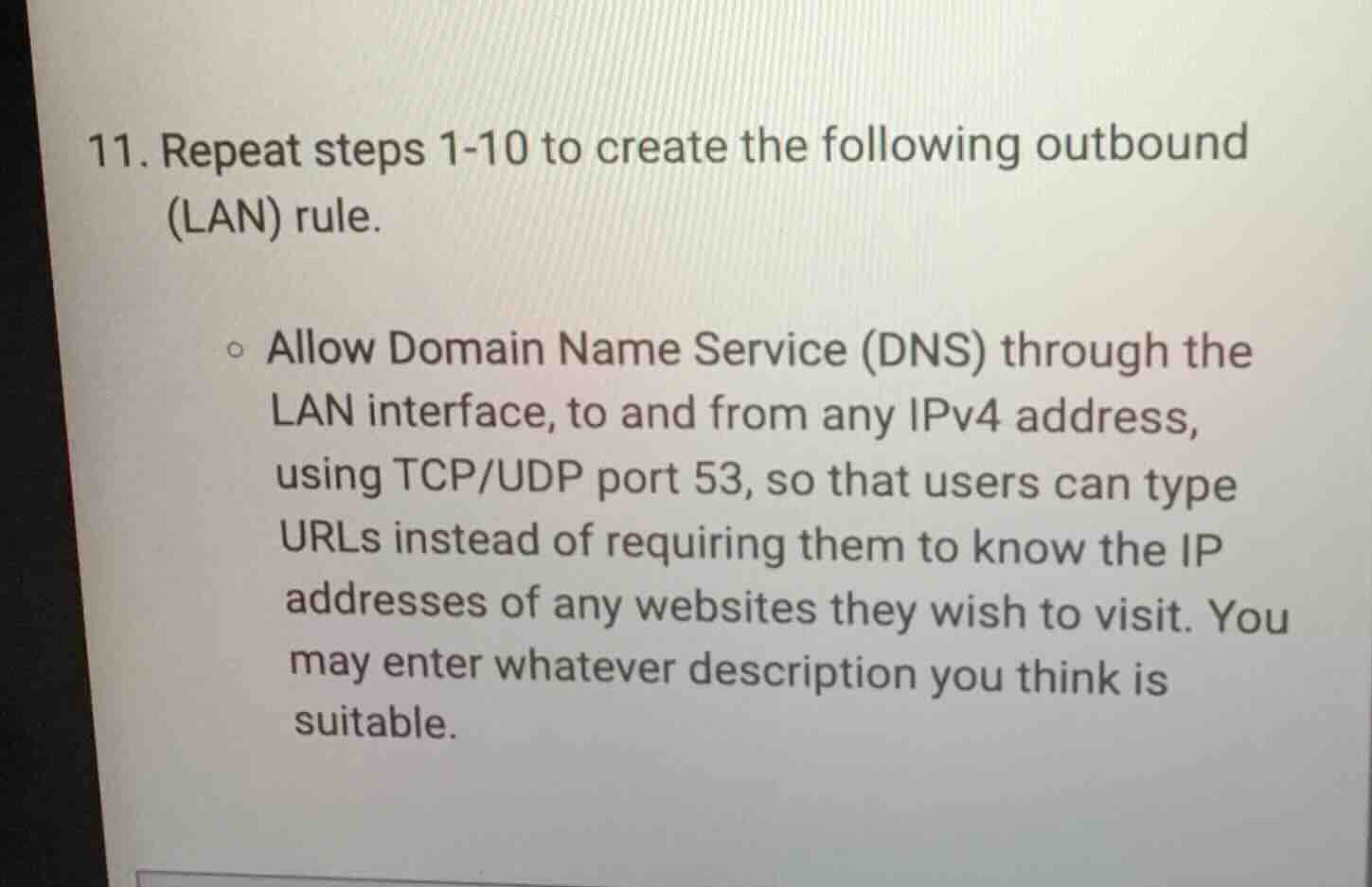
- repeat steps 1-10 to create the following outbound (lan) rule.
○ allow domain name service (dns) through the lan interface, to and from any ipv4 address, using tcp/udp port 53, so that users can type urls instead of requiring them to know the ip addresses of any websites they wish to visit. you may enter whatever description you think is suitable.
This task requires replicating a pre-defined 10-step process to build a LAN outbound firewall rule. The rule must permit DNS traffic (using TCP/UDP port 53) through the LAN interface between any IPv4 addresses, enabling URL-based website access. A descriptive label (e.g., "Allow LAN DNS for IPv4 URL Resolution") can be added for clarity.

Snap & solve any problem in the app
Get step-by-step solutions on Sovi AI
Photo-based solutions with guided steps
Explore more problems and detailed explanations
- Complete steps 1-10 of the LAN outbound rule creation process as specified in the prior instructions.
- Configure the rule to:
- Allow DNS traffic through the LAN interface
- Permit communication to and from all IPv4 addresses
- Use both TCP and UDP port 53
- Add a suitable description, e.g., "Allow LAN DNS (TCP/UDP 53) for IPv4 URL resolution"
- Save and apply the completed rule.