QUESTION IMAGE
Question
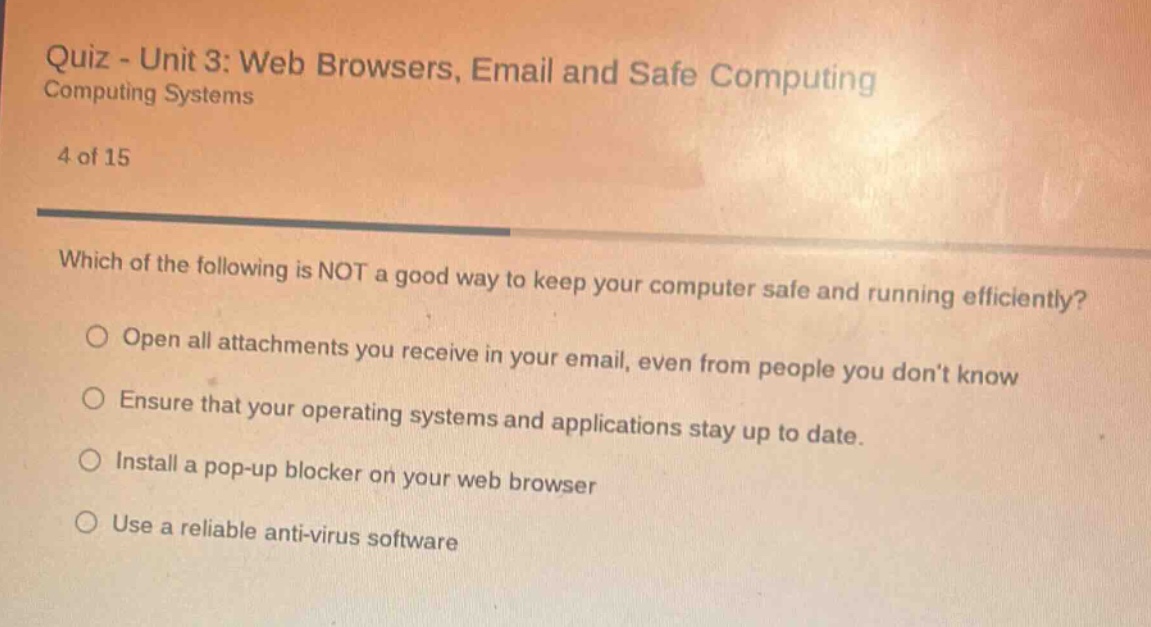
quiz - unit 3: web browsers, email and safe computing
computing systems
4 of 15
which of the following is not a good way to keep your computer safe and running efficiently?
○ open all attachments you receive in your email, even from people you dont know
○ ensure that your operating systems and applications stay up to date.
○ install a pop - up blocker on your web browser
○ use a reliable anti - virus software
Brief Explanations
To determine the incorrect method, we analyze each option:
- Opening all email attachments (even from unknown senders) is risky as they may contain malware, viruses, or phishing content, which harms computer safety and efficiency.
- Updating operating systems and apps fixes security vulnerabilities and improves performance.
- Pop - up blockers prevent malicious pop - ups, enhancing browser security and efficiency.
- Anti - virus software detects and removes threats, protecting the computer.

Snap & solve any problem in the app
Get step-by-step solutions on Sovi AI
Photo-based solutions with guided steps
Explore more problems and detailed explanations
A. Open all attachments you receive in your email, even from people you don't know