QUESTION IMAGE
Question
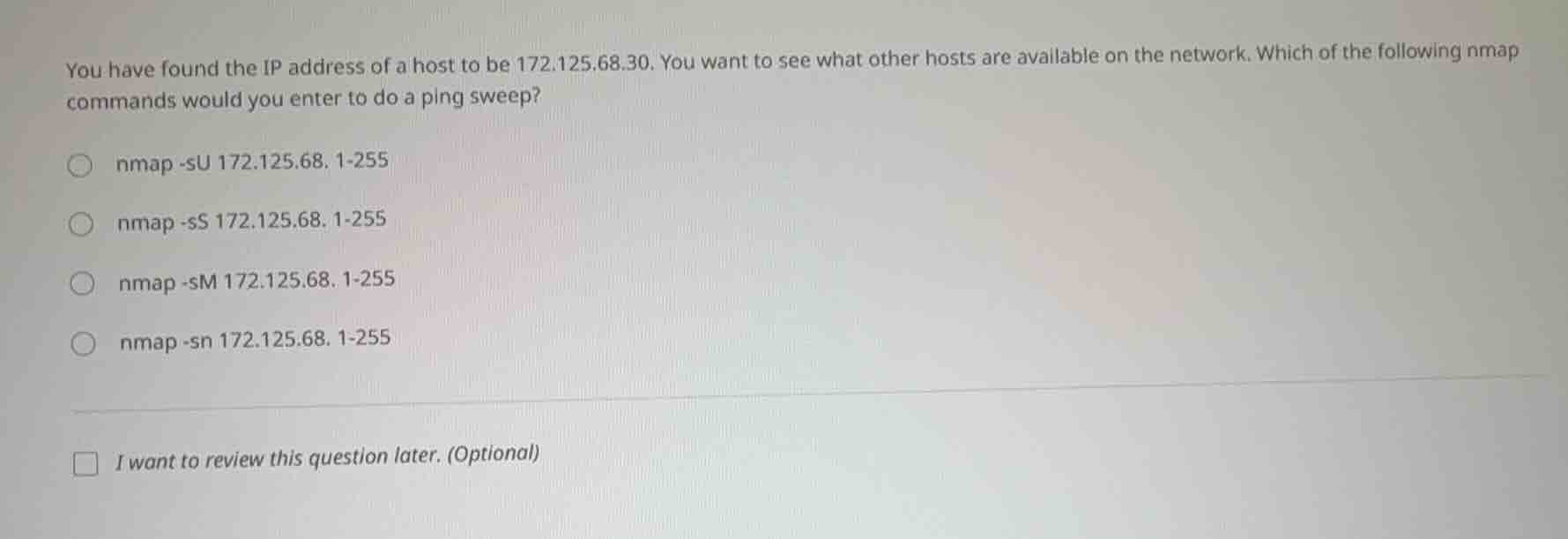
you have found the ip address of a host to be 172.125.68.30. you want to see what other hosts are available on the network. which of the following nmap commands would you enter to do a ping sweep?
nmap -su 172.125.68.1-255
nmap -ss 172.125.68.1-255
nmap -sm 172.125.68.1-255
nmap -sn 172.125.68.1-255
i want to review this question later. (optional)
A ping sweep (host discovery) with nmap uses the -sn flag, which skips port scanning and only checks for active hosts on the target network range. The other flags serve different purposes: -sU scans UDP ports, -sS is a TCP SYN port scan, and -sM is a TCP Maimon scan, none of which are for ping sweeps.

Snap & solve any problem in the app
Get step-by-step solutions on Sovi AI
Photo-based solutions with guided steps
Explore more problems and detailed explanations
nmap -sn 172.125.68. 1-255