QUESTION IMAGE
Question
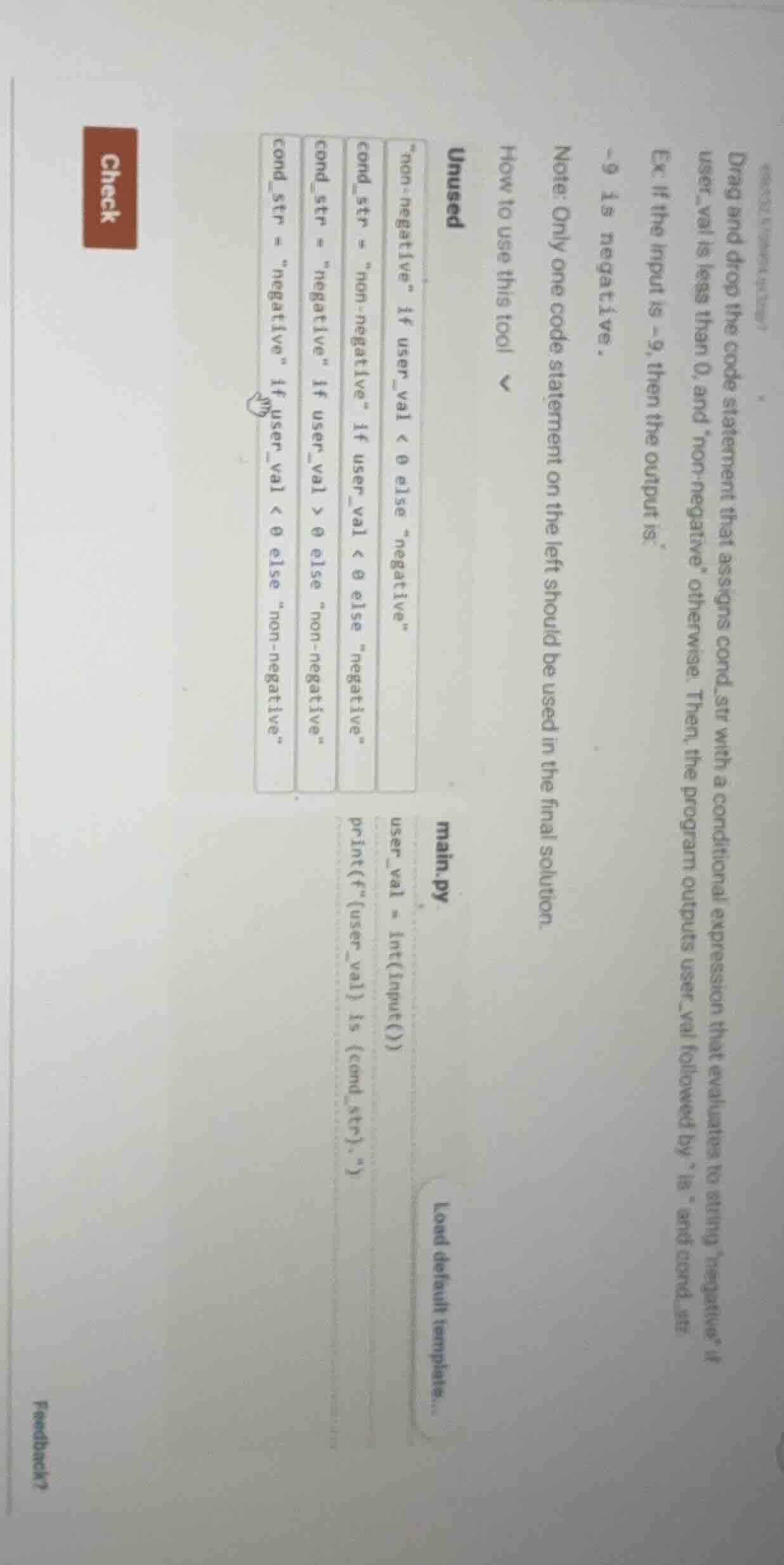
drag and drop the code statement that assigns cond_str with a conditional expression that evaluates to string
egative\ if user_val is less than 0, and
on - negative\ otherwise. then, the program outputs user_val followed by \ is \ and cond_str. ex. if the input is -9, then the output is: -9 is negative. note: only one code statement on the left should be used in the final solution. how to use this tool unused
on - negative\ if user_val < 0 else
egative\ cond_str =
on - negative\ if user_val < 0 else
egative\ cond_str =
egative\ if user_val > 0 else
on - negative\ cond_str =
egative\ if user_val < 0 else
on - negative\ main.py user_val = int(input()) print(f\{user_val} is {cond_str}.\) load default templates... check feedback?
Step1: Match logic to requirement
We need cond_str to be "negative" when user_val < 0, else "non-negative". The correct conditional expression is:
cond_str = "negative" if user_val < 0 else "non-negative"Step2: Insert into code structure
Place the expression between the input and print lines in main.py:
user_val = int(input())
cond_str = "negative" if user_val < 0 else "non-negative"
print(f"{user_val} is {cond_str}.")
Snap & solve any problem in the app
Get step-by-step solutions on Sovi AI
Photo-based solutions with guided steps
Explore more problems and detailed explanations
The completed code is:
user_val = int(input())
cond_str = "negative" if user_val < 0 else "non-negative"
print(f"{user_val} is {cond_str}.")
For input -9, the output will be: -9 is negative.